
Custom PDF itineraries and an onboarding guide that builds your task list
Two updates this week that both come down to the same thing. You decide how it works, and Tern does the setup.
Your itinerary PDFs are no longer one fixed layout. And if you are getting an agency off the ground in Tern, you can now ask chat to walk you through it.
Customize what goes in your itinerary PDFs
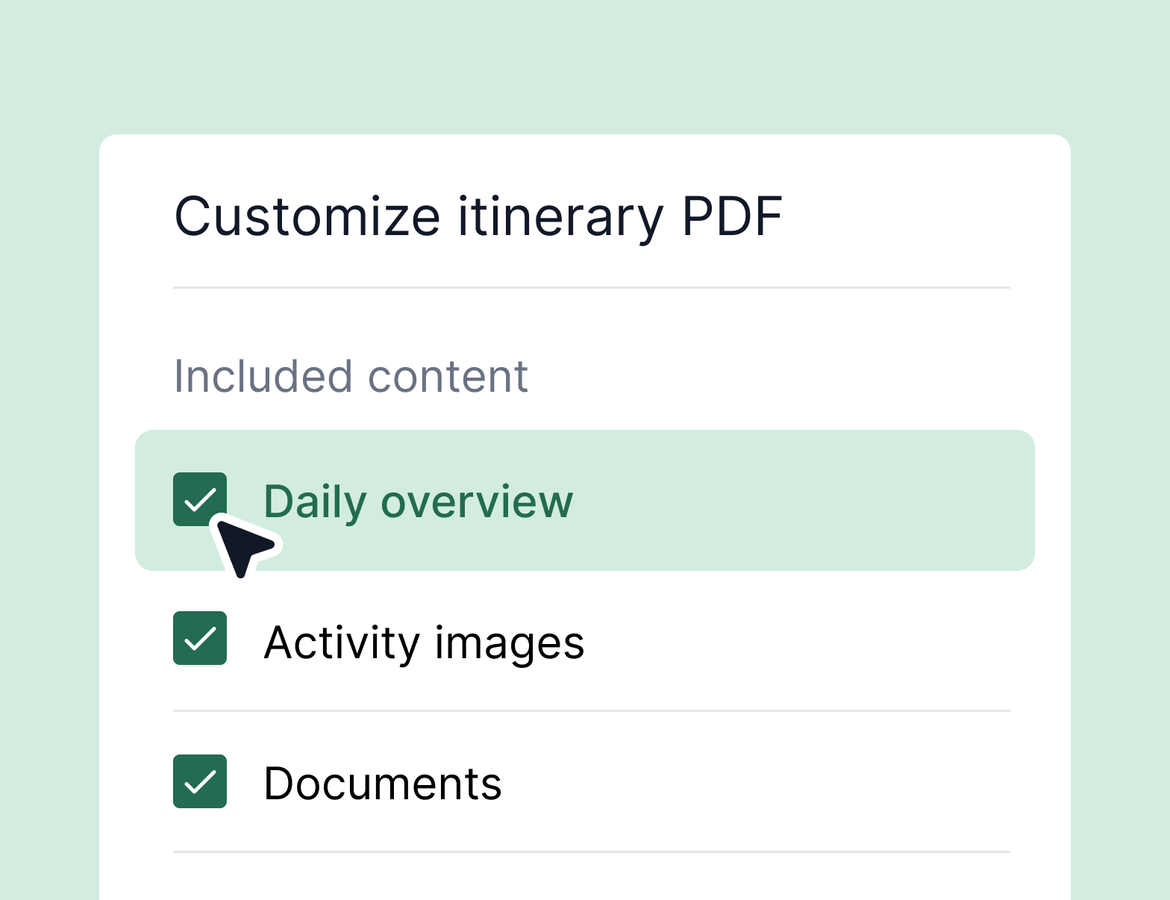
Itinerary PDFs have been a top requested update. Now, when you or your traveler exports one, you choose what goes in it before it generates.
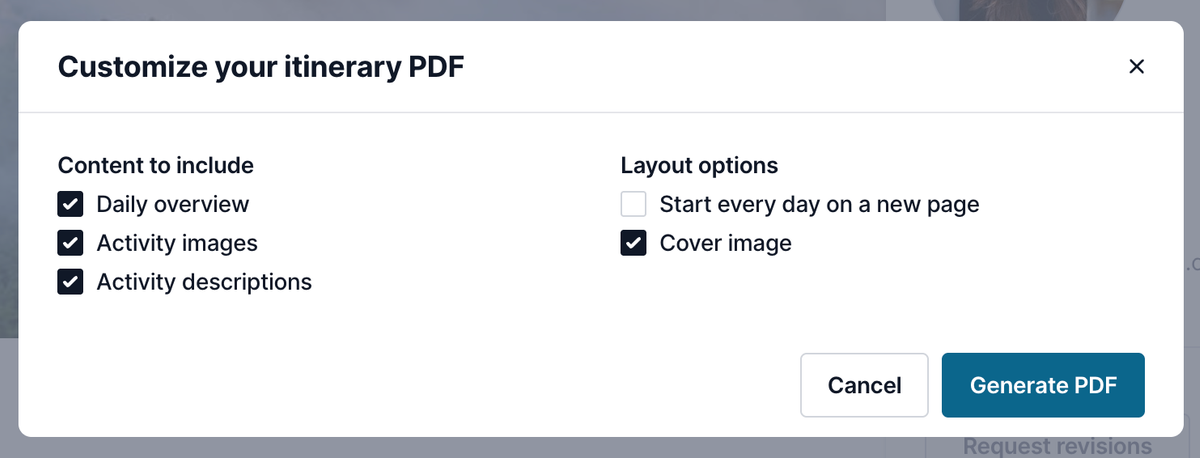
Open a trip, hit preview, and select Save as PDF. From there you pick your content:
- Include or skip the daily overview, which gives a single view of the full trip up front
- Remove the cover image if you would rather not give up the entire first page to a photo
- Keep or drop activity images and activity descriptions
- Start each day on a new page, or let days flow across pages
Section headers pull from your brand color, so the PDF looks like it came from your agency and not from a template. Set that once in your brand settings and every export uses it.
This works for both advisor and traveler exports.
Set up your agency through Tern chat
Setting up an agency means getting a lot of small things right, and most of them are not obvious until something breaks later. There is now an onboarding guide built into Tern chat that handles that for you.
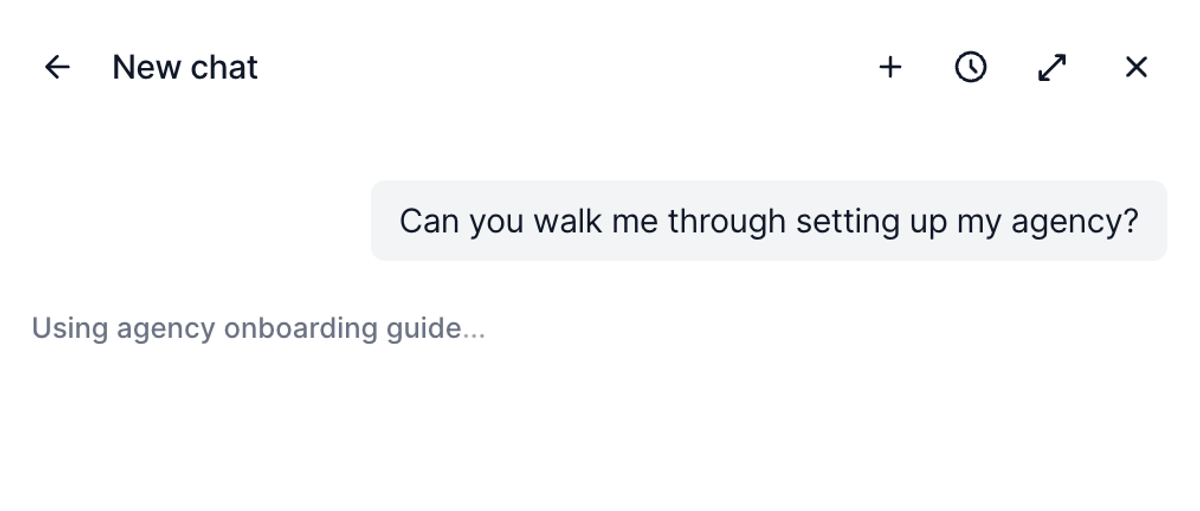
Ask chat something like "can you help me set up my agency?" and it walks you through your business. Are you an independent agency with your own accreditation, or do you book under a host? Are you part of a consortium? Do you have ICs, employees, or both? How many advisors?
As it learns how you run things, it creates tasks for the steps you need to take. You accept or reject each one, so nothing lands in your task list without your say. If you tell it you are with Signature, it recommends cleaning and deduplicating your contacts before you sync, because that is the part agencies get wrong. Connect your integration, finish your account settings, turn on notification emails. Every step ends up tracked instead of remembered.
You can use the microphone icon at the bottom of chat and go through the whole thing by voice.
Worth sending to any advisor on your team who is standing up their own agency.
Quality of life
- Sharing settings now open in a drawer instead of a modal, with dropdowns for agencies, communities, and individual advisors. Same functionality on activity templates and folders, easier to move through.
- Property images and descriptions in Tern are getting an audit. Our team is updating content on Tern properties, so expect higher quality photos across more categories and descriptions with real detail, like dining options.
- Option block selections now show up in activity logs, in emails, and on the activity itself. When a traveler picks one of your hotel options, you can see the selection and view the other options from the activity.
- AI usage resets in your own time zone. If your usage was resetting the night before or a few hours early, that is fixed. Thanks to everyone who flagged it.
- Duplicate bookings now carry an imported flag in the booking drawer, so it is clear when a booking came from an import and whether you can merge it with an existing one.
- AI reconciliation got two improvements. PDF statements parse and match much better after recent tweaks. And when a line item has one extra character in the confirmation number, it flags as a partial match for you to review instead of slipping past.
