This was a big week. Trips now have clients instead of travelers, and companies can be contacts. You can also require forms before clients pay, import itineraries through AI Chat, and book Hotels by Tern in Canadian dollars. Here’s what’s new.
Trip Clients
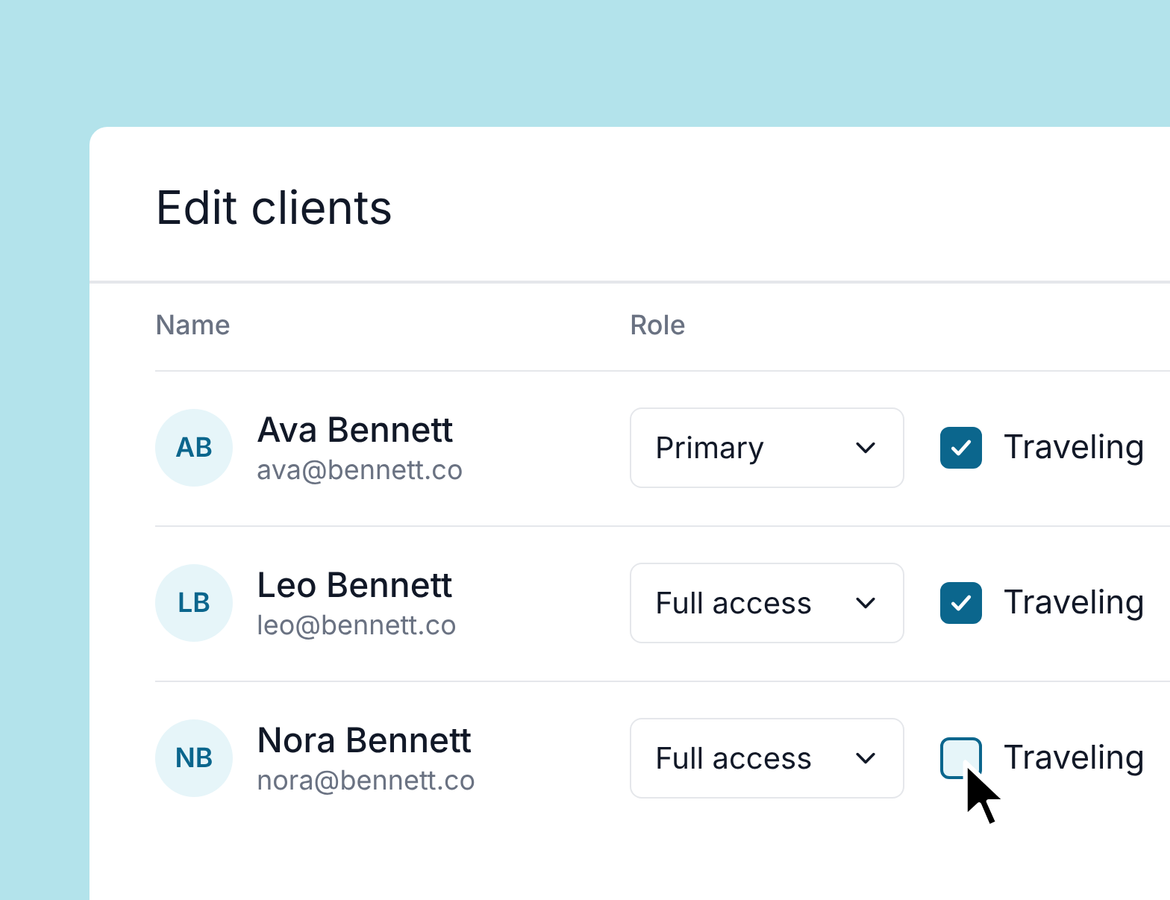
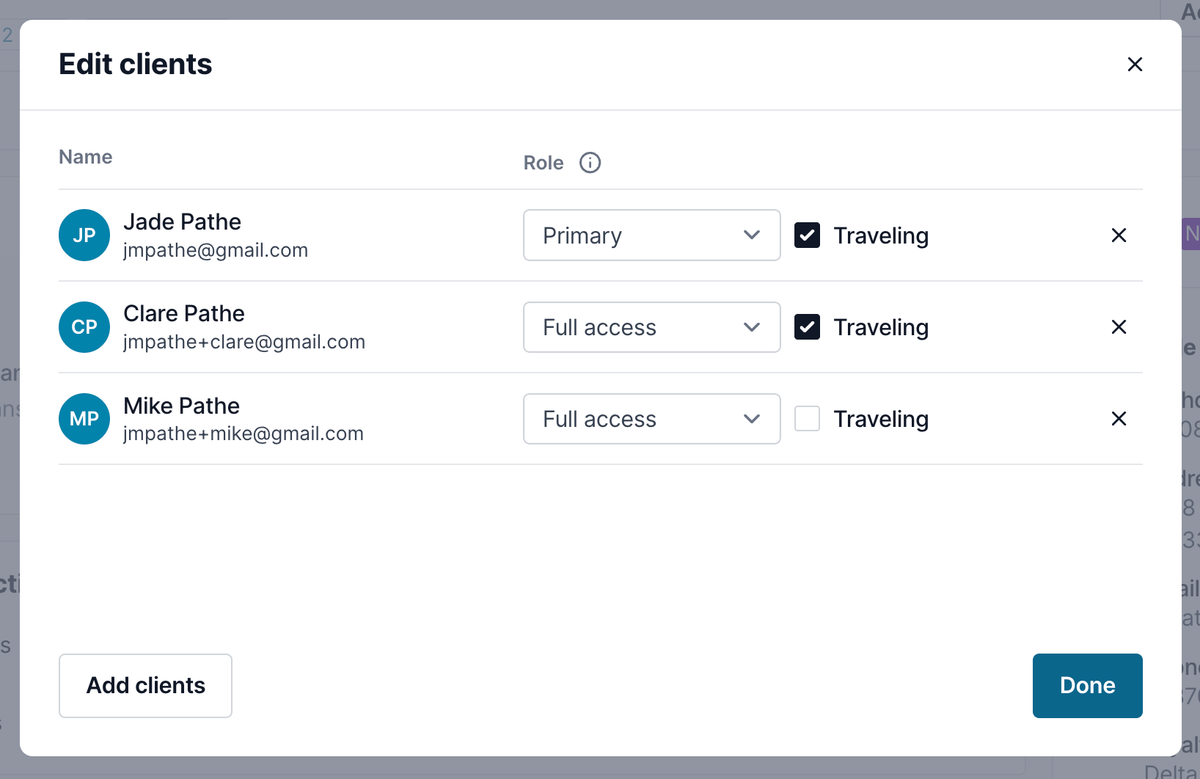
A trip now has clients instead of travelers. A client doesn’t have to be traveling to be on the trip.
You can add the person paying for the trip, or an assistant booking for an executive, even if they aren’t going. They can still take every action on the trip: authorize payments, make selections, and weigh in on decisions.
- Roles: Each client is primary, full access, or limited access.
- Traveling or not: Mark each client as traveling or not. You can change it at any time.
- Invoices and bookings: These are now named for the primary client.
- Publishing and invoices: Every client with an email is filled in for you. Remove anyone you don’t need.
- Automations: Send to the primary client, all full access clients, or all traveling clients.
The trip overview card is now called Clients. You can add and edit clients from there.
Company Contacts
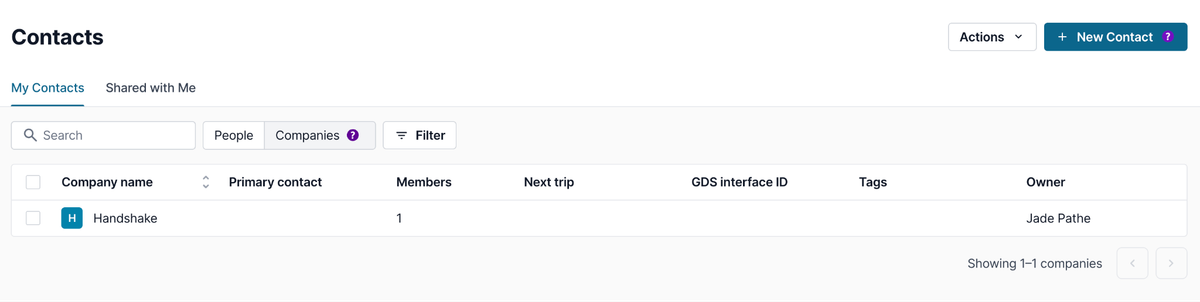
You can now add companies as contacts. Switch between People and Companies at the top of Contacts.
A company lists all of its members, and you can mark one as its primary contact. Each member has a full contact profile, just like any other contact in Tern.
When a trip is for a company, add the company as a client or as the primary client. A company is never a traveler, so add the people who are traveling as clients too.
Companies don’t receive campaigns and aren’t included in audience segments. Their members are contacts in their own right, so reach them directly.
Import Itineraries With AI Chat
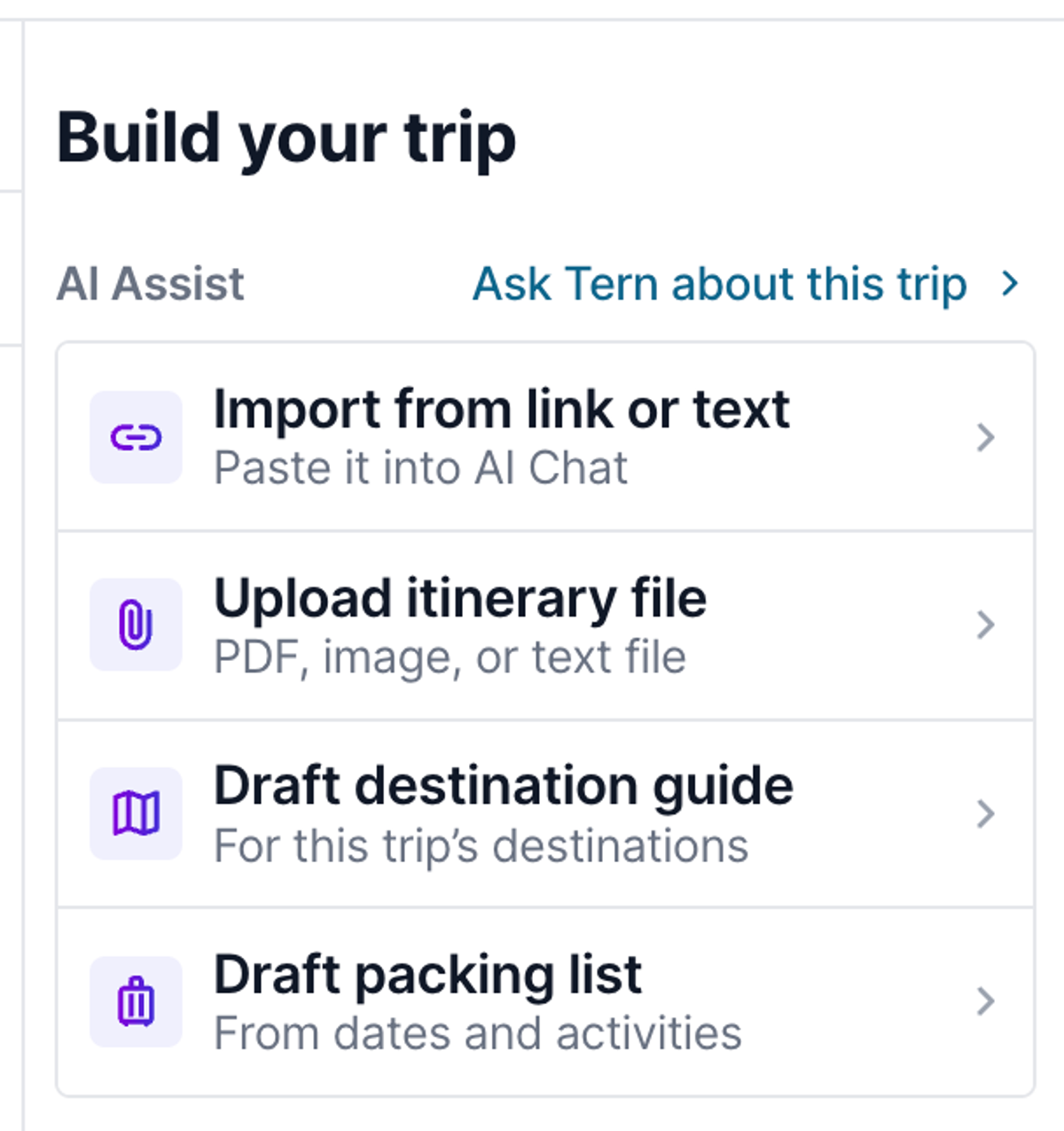
Uploading an itinerary file now opens AI Chat. In your trip’s itinerary, choose Upload itinerary file and AI Chat takes it from there.
AI Chat reads the document, asks you to confirm details, and asks questions when something is unclear. It can add the import as a separate option, and you can preview everything it pulled in before you accept. You’ll see each item as it’s read, so you know exactly what’s going onto your trip.
Required Forms on Trips
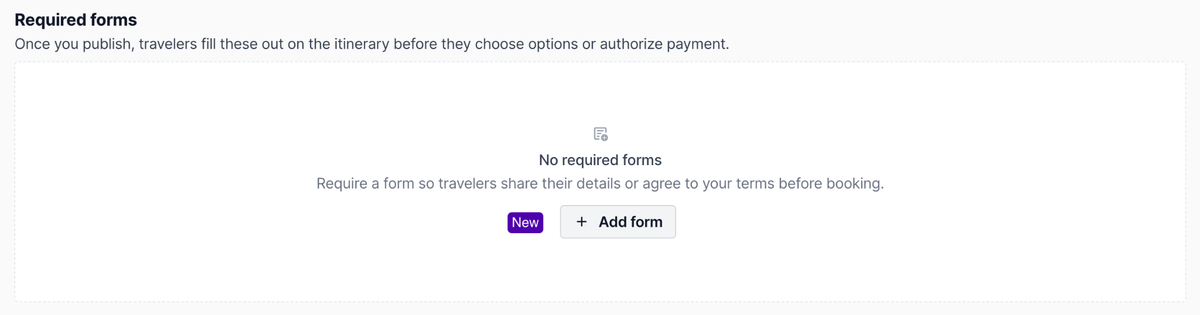
You can now require a form, like passport details or contact information, before clients can move forward on a trip.
Until a traveler submits a required form, they can view and approve the itinerary, but they can’t make selections or authorize payments. Each required form shows its status on the trip, such as Waiting on travelers.
Set it up in the Forms section of any trip.
AI Chat Gets Smarter
AI Chat can now help with more of your day-to-day work:
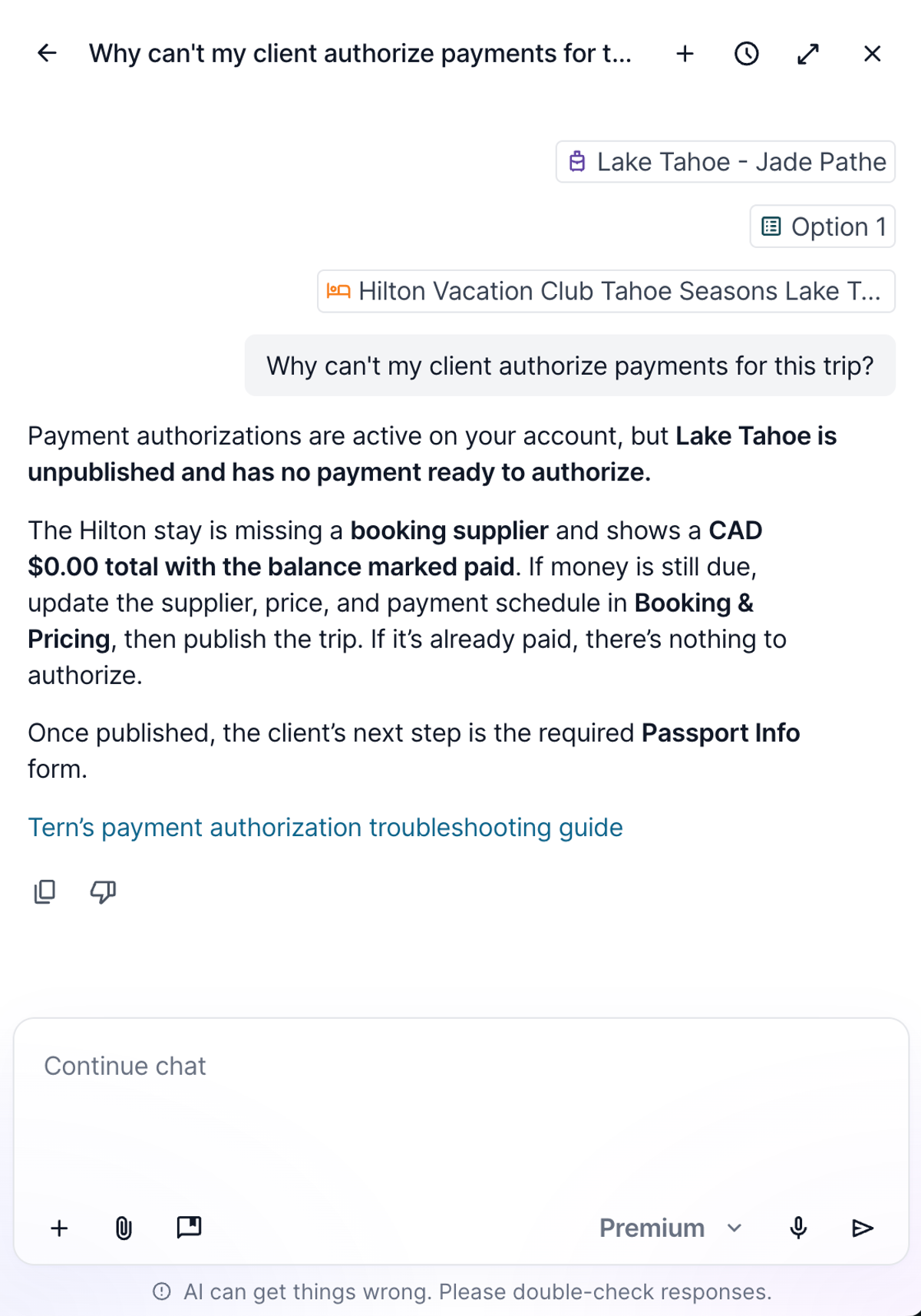
- Troubleshoot payments: Ask why a client can’t authorize a payment or can’t see something. AI Chat tells you what’s blocking them and how to fix it, like a missing price or an item added after you published.
- Check your setup: Ask about your plan, your payment authorization setup, or whether an email went out.
- Update contacts: Paste a flight or hotel confirmation and ask AI Chat to fill in relationships, travel preferences, interests, and loyalty programs.
- Edit your itinerary: AI Chat can now rename and edit hotels and activities on your trips.
- Pull sales and commissions: Ask for your gross sales, break them down by month, and jump straight to the report. It’s handy when a supplier asks for a quick number while you’re on the phone.
Hotels by Tern in Canadian Dollars
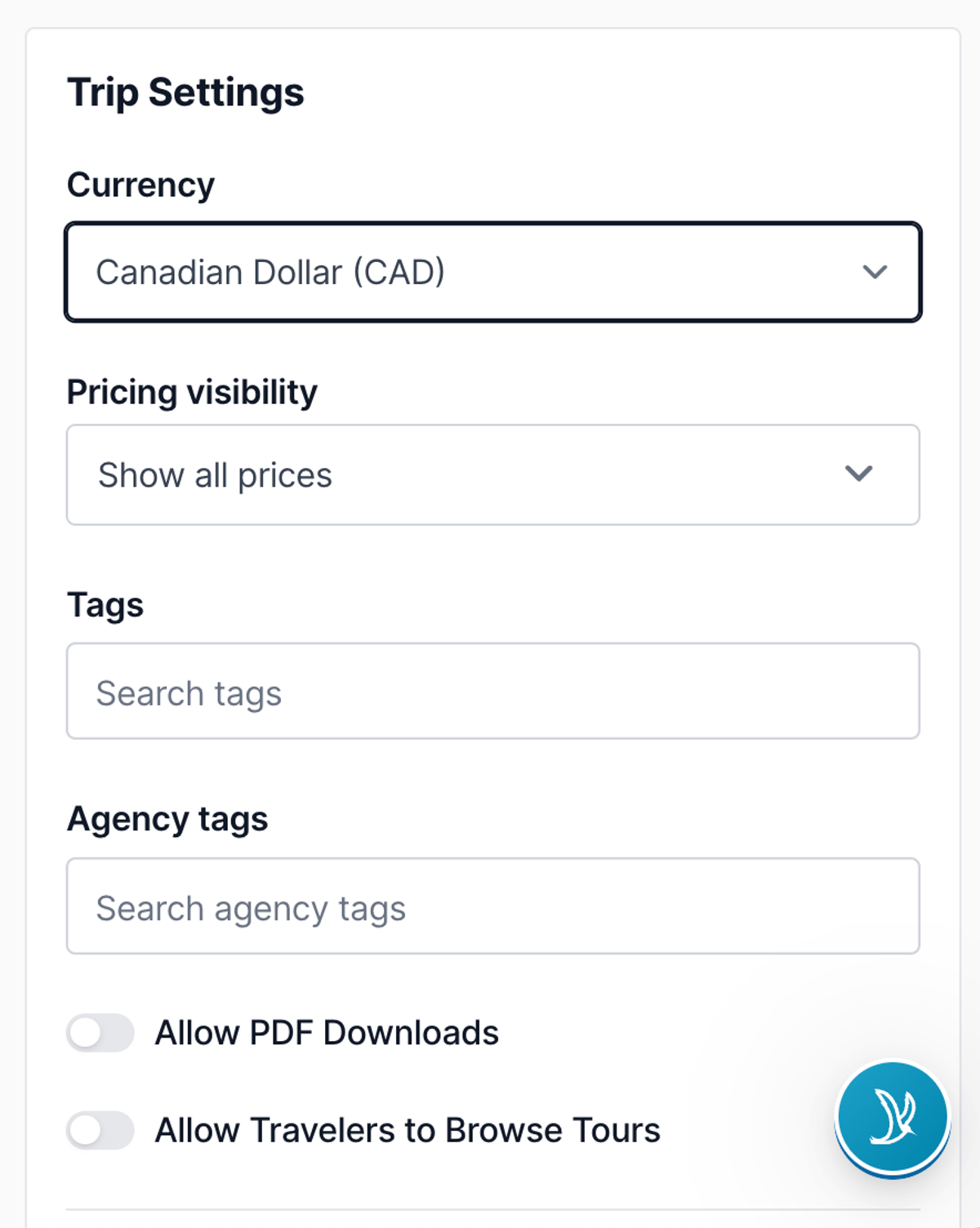
Hotels by Tern now books in Canadian dollars. When your trip currency is CAD, rates are quoted in CAD and your travelers pay in CAD.
Quality of Life
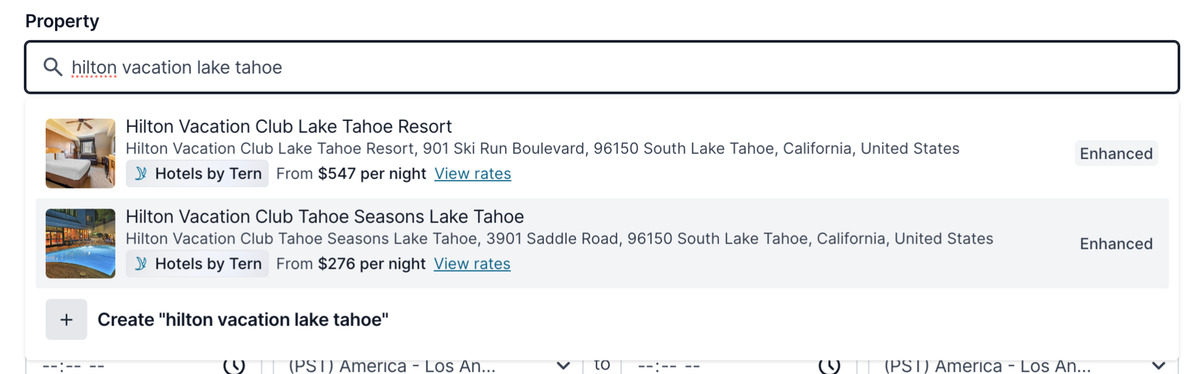
- Live rates in manual lodging: Search for a property in a manual lodging activity to see live rates, then switch it to a Hotels by Tern booking.
- Fresh insurance quotes: Travel Insured International quotes refresh when travelers open the authorization page, so pricing stays accurate and they don’t get blocked from booking.
- Dashboard first: New advisors now land on the dashboard after signing up, not the trips page.