
You send the itinerary. Then you wait. Did they open it? Is today the right day to call, or is that pushy?
This week, that guesswork goes away. Plus editable tour descriptions on Project Expedition bookings, agency-level tags and a handful of smaller things worth knowing about.
Itinerary view tracking
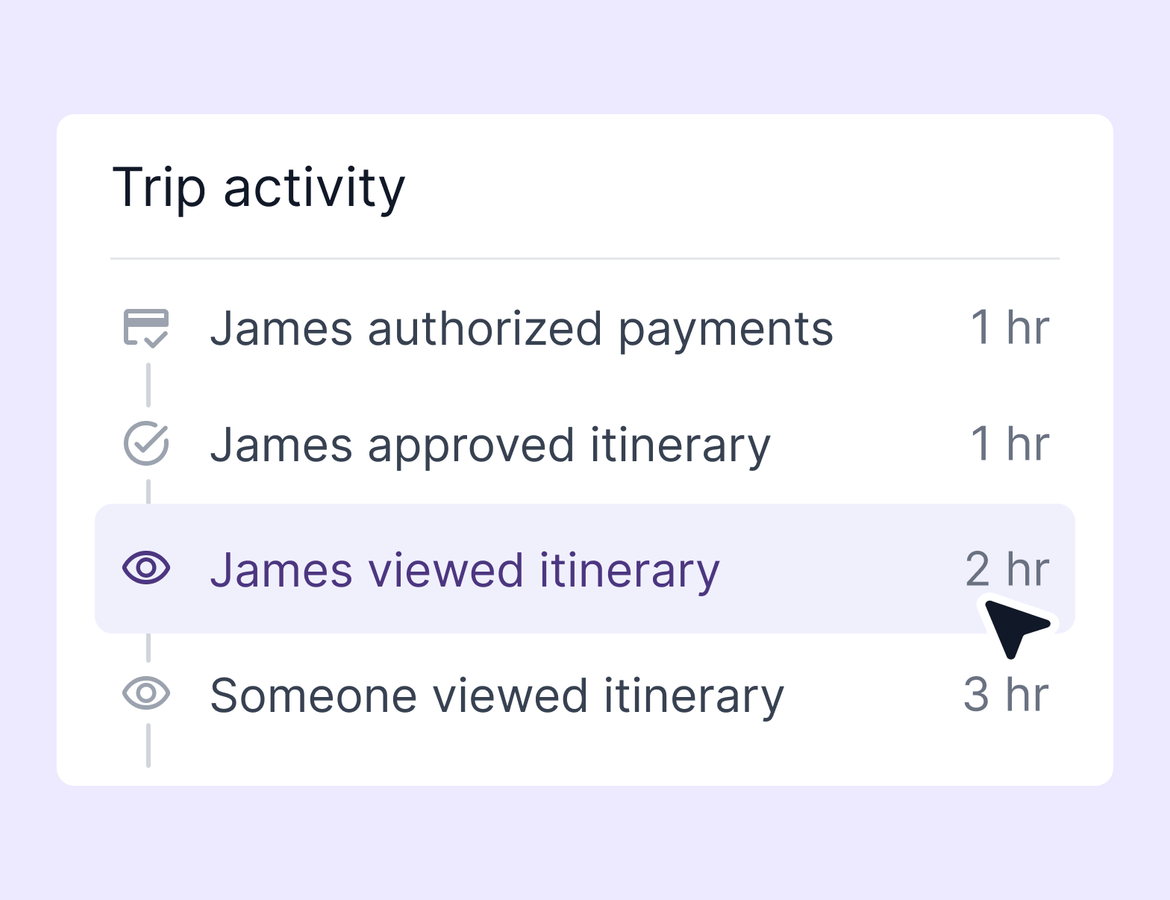
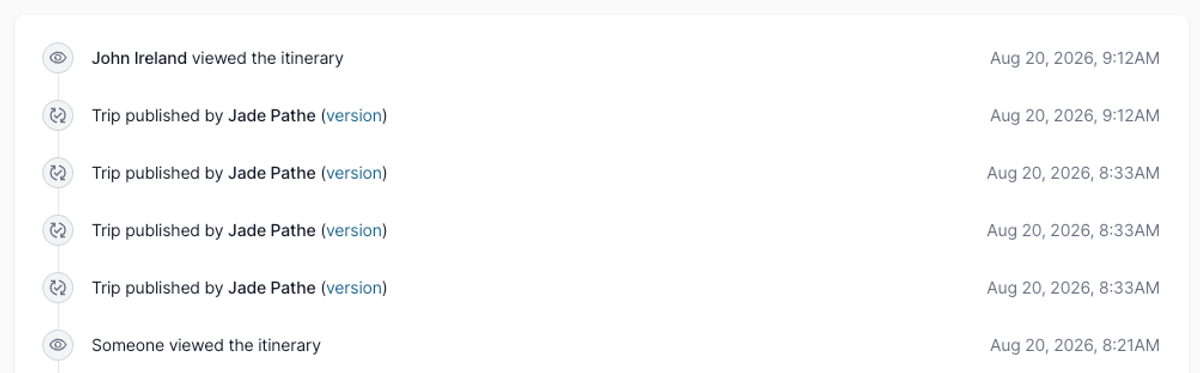
Open the Activity tab on any trip and you can now see when someone views the published itinerary.
If the viewer is logged in, you see exactly who it was, the time they looked, and a link straight to their contact record. If they are not logged in, it shows as someone viewed the itinerary. That covers other advisors and collaborators viewing from a different account, along with anyone who opens the link without signing in.
Views are deduped to once per hour per person, so a traveler refreshing the page or switching tabs will not fill your feed with noise. Your own previews are excluded, and so are collaborators with edit access. The feed shows external viewers only.
The point is timing. You can see who is engaged with the trip you built and when they are looking at it, which tells you when to reach out.
Editable tour descriptions on Project Expedition bookings
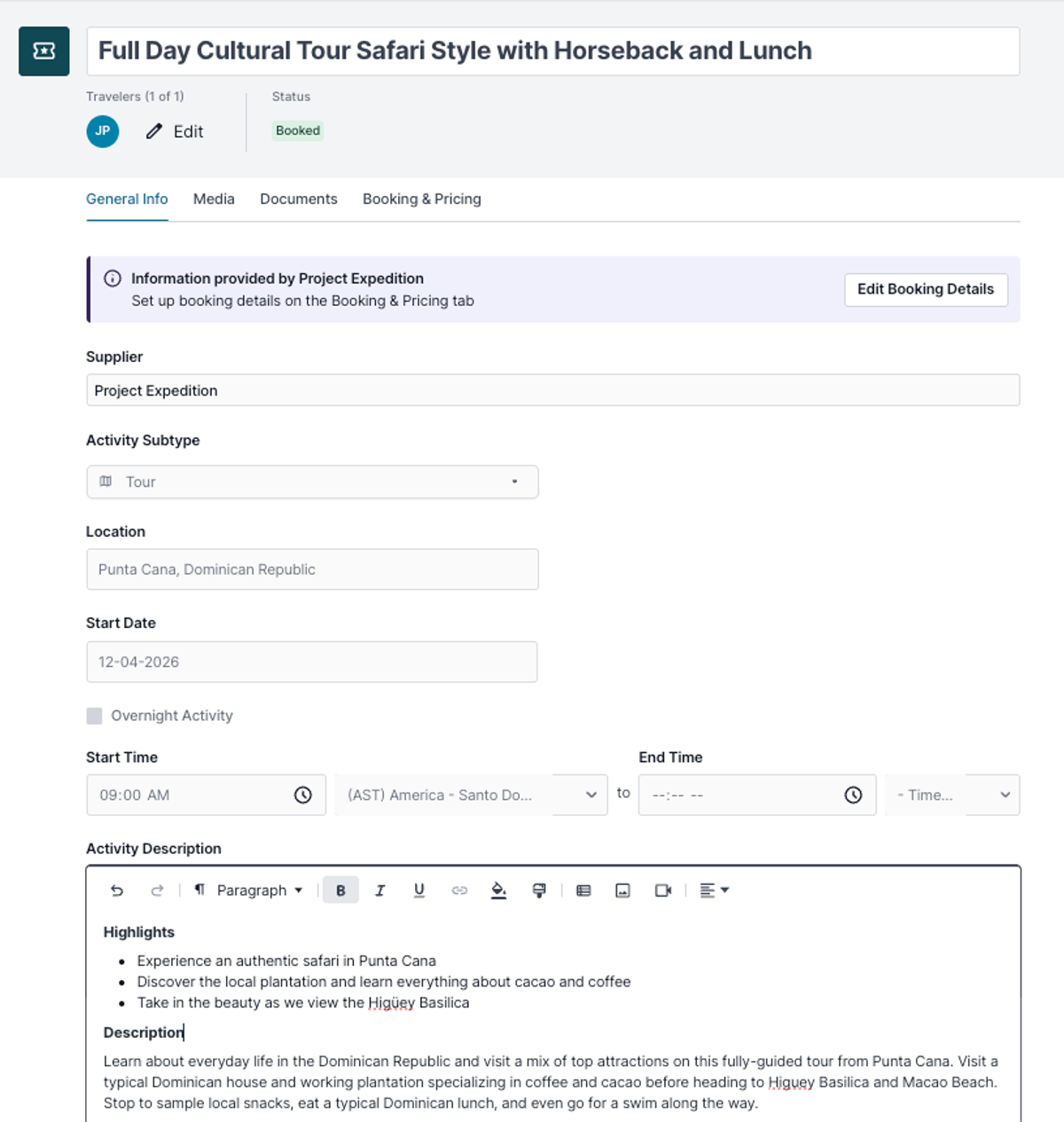
If you use the Project Expedition integration, you can now edit tour descriptions once the tour is booked through Tern.
Before booking, the General Info tab stays locked. While your traveler is still deciding, the tour details should read exactly as the supplier wrote them. Once the booking goes through, that tab unlocks and the description is yours. Pull the meeting point to the top, add what came through on the voucher, note anything that changed, and reorder the whole thing so the most useful information sits where your traveler will actually read it.
Agency-level tags
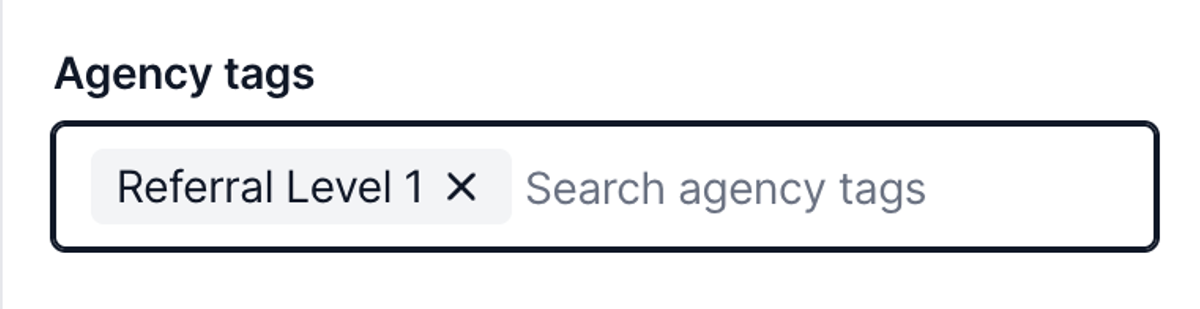
Agency-level tags are now part of the back office. Agency admins and owners can create tags and apply them to agency-shared trips and contacts, and advisors cannot edit or remove them.
Create tags in the back office or from whatever you are tagging. They sit separate from individual tags, so an advisor's own tagging system stays their own. On a trip shared with the agency, an advisor cannot add individual tags but can add agency-level tags. If a trip stops being shared with the agency, its agency tags come off with it. Any admin or owner can edit or remove a tag on an item, or delete the tag entirely.
Agency tags are also searchable in commission reconciliation. Open a statement, search by tag, and pull up the bookings behind a referral source or a tracking category you set up. Contacts work the same way, so shared contacts can carry agency tags too.
For anyone tracking leads or trying to get a real picture of shared trips across the agency, this is the piece that was missing.
Quality of life
- Set a separate client-facing contact email in your business settings. Clients see that address on your itineraries instead of your login email, so you can point them to a shared agency inbox.
- AI chat now supports CC, BCC, and send separately when it drafts emails. Ask it to email your primary traveler and copy another, and it puts each person in the right field.
- Passport and travel documentation are now available in chat. Ask whether your travelers' passports are up to date and chat checks both contact records, tells you what it found, and can draft the follow-up email asking for a renewal.
- Card brand icons now appear on payment authorizations, so picking the right card out of a wall of Visas and one Amex takes a glance instead of a squint.
- Group number is now a filter in commission reconciliation, right below confirmation number. Find every booking tied to a group in one search.