
Record Insurance Decisions for Your Travelers
The Tern User Conference is one week away. That means no regular product update next week. Instead, we’ll share news in person, in blog posts, and on livestreams, so make sure you’re registered for all of them.
Before then, here’s what shipped this week. You can now select or decline insurance for your travelers. Activities, packages, and insurance have a lighter new header. The payment authorization page now shows travelers when each charge will happen. We also have a few quality of life updates, including forms in AI Chat emails.
Record a traveler’s insurance decision
You talk insurance with your travelers on the phone all the time. Now you can log their choice in Tern yourself, so you don’t have to send the itinerary over for them to choose.
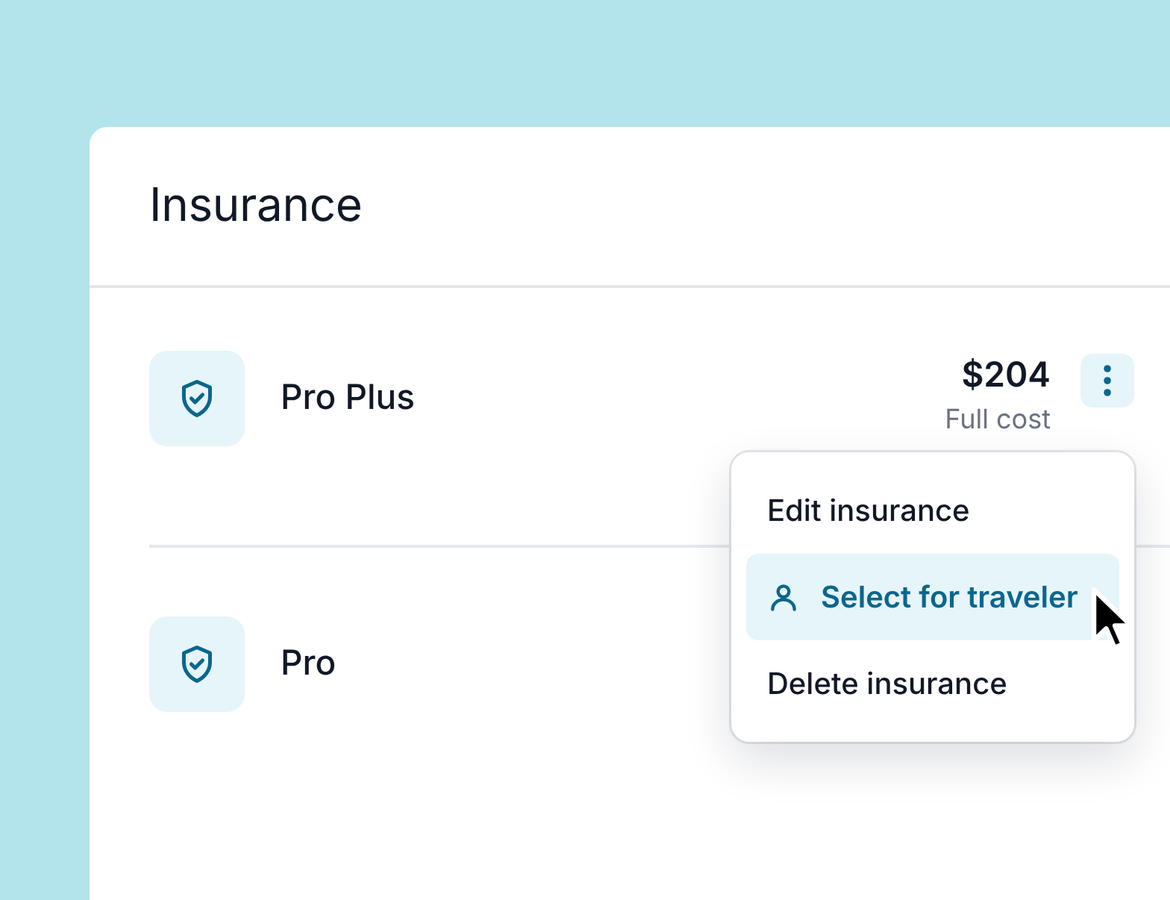
Open a trip and go to Insurance. For any published insurance option, you can:
- Select an option for your traveler. Insurance options must be published before you can select one.
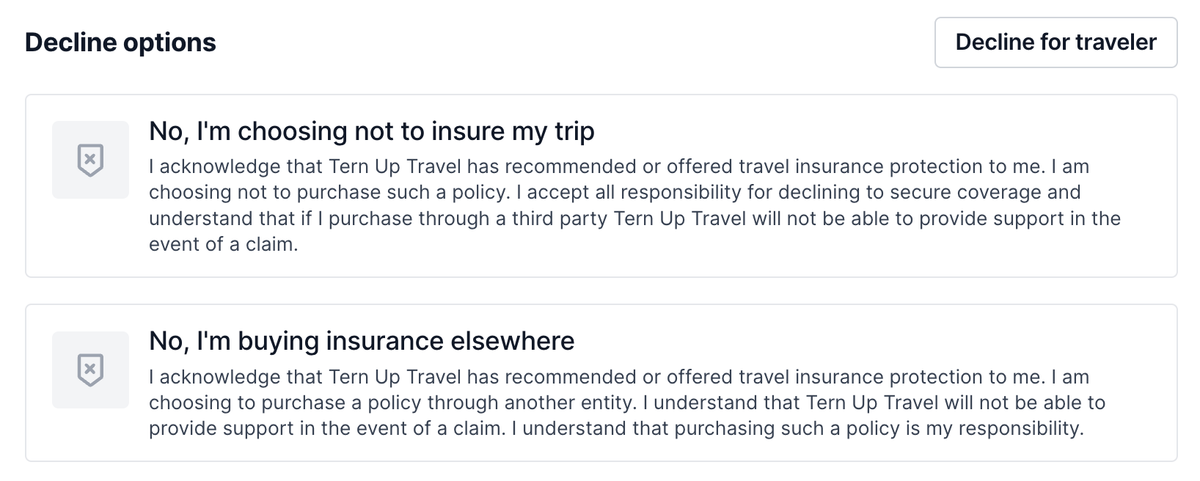
- Decline insurance for your traveler.
Tern doesn’t email your traveler about either choice. It’s recorded in the trip’s activity log, for example “Traveler selected ProPlus on October 15.”
Selecting an option doesn’t skip payment. If the option is ready for authorization, your traveler still has to authorize the payment. That includes direct bookings through our integrated insurance partners.
A new header for activities, packages, and insurance
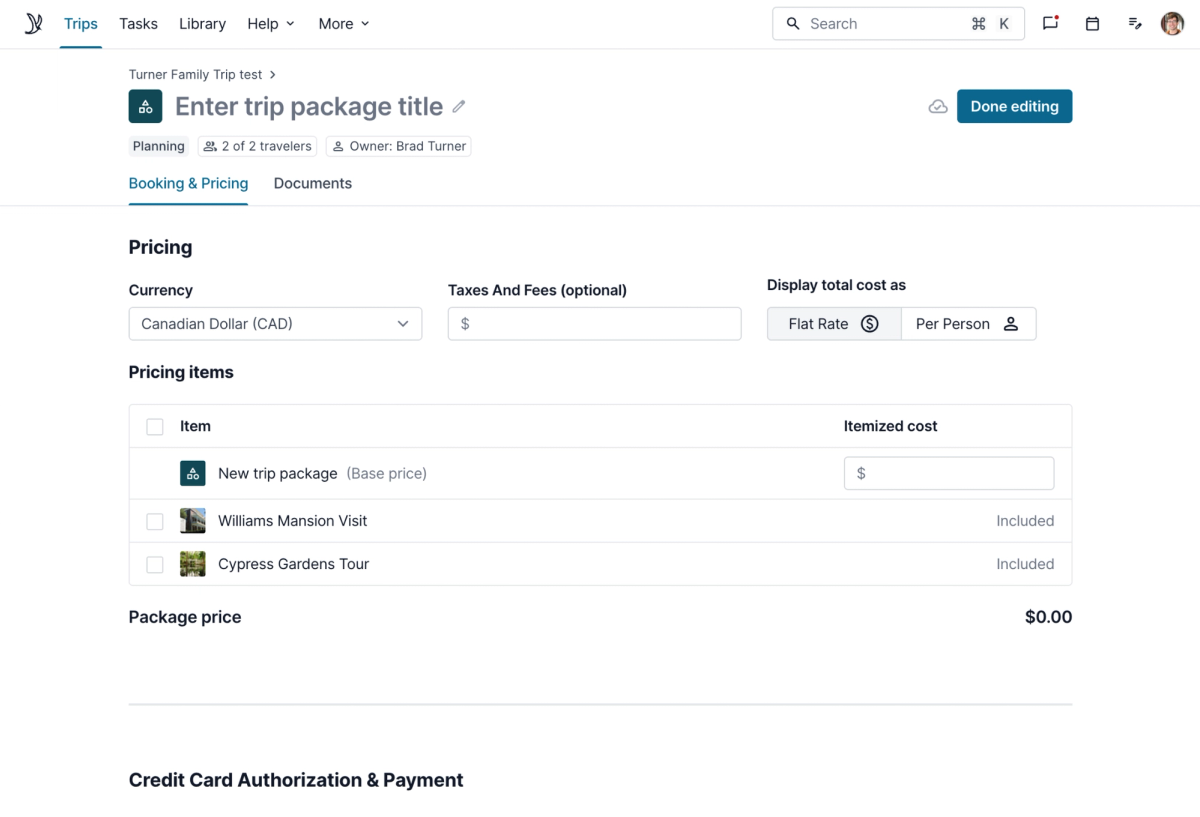
Activities, packages, and insurance items now have a slimmer header that takes up less space and works on smaller screens, including mobile.
- Rename inline. Click the title to rename the item. The separate text field is gone.
- Edit details with chips. Status, travelers, and owner now appear as chips under the title. Click a chip to change it.
- Autosave. A small “Saved” indicator appears next to the Done editing button.
- Pinned on scroll. When you scroll down, a bar with the item name and Done editing stays pinned at the top.
Option items, library, activity templates, tasks, and automations still use the old header. We’ll move them to the new one soon.
Clearer payment authorization for travelers
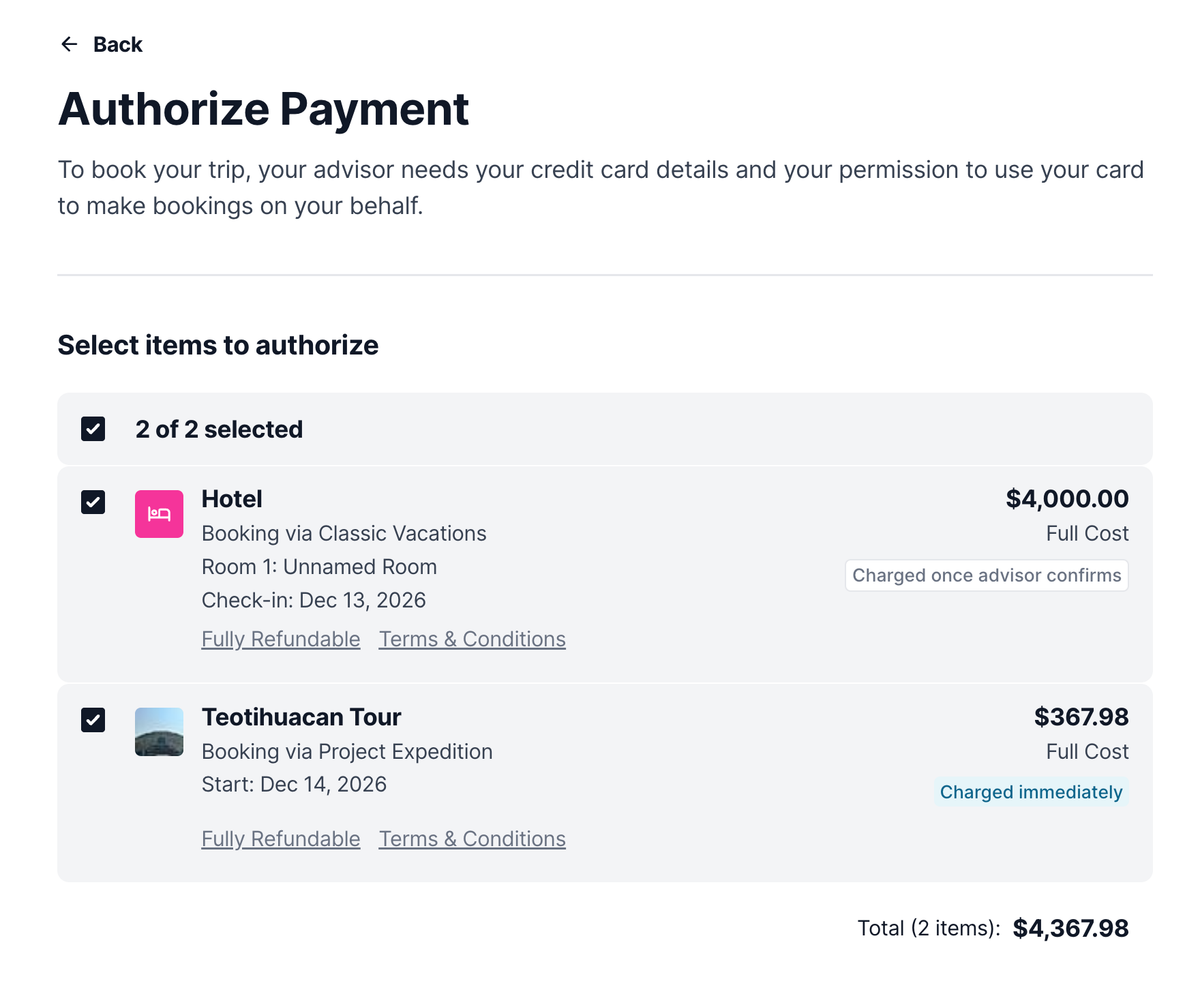
When travelers authorize payments, the page now separates two kinds of charges:
- Charged right away: integrated bookings, such as Project Expedition tours and insurance from our integrated partners. These are charged as soon as your traveler authorizes.
- Charged once you confirm: manual items, such as a manual hotel. These are charged after you review the booking and confirm it with the supplier.
We’ve seen the comments in the Facebook group about the “charged once advisor confirms” wording, and our design team is following that thread closely. The wording will change soon. If you have ideas for clearer phrasing, let us know.
Quality of life updates
- Forms in AI Chat emails: When AI Chat drafts an email or reply, it can now include one of your forms. For example: “Send my travelers an overview of this itinerary and a contact form to update their details.”
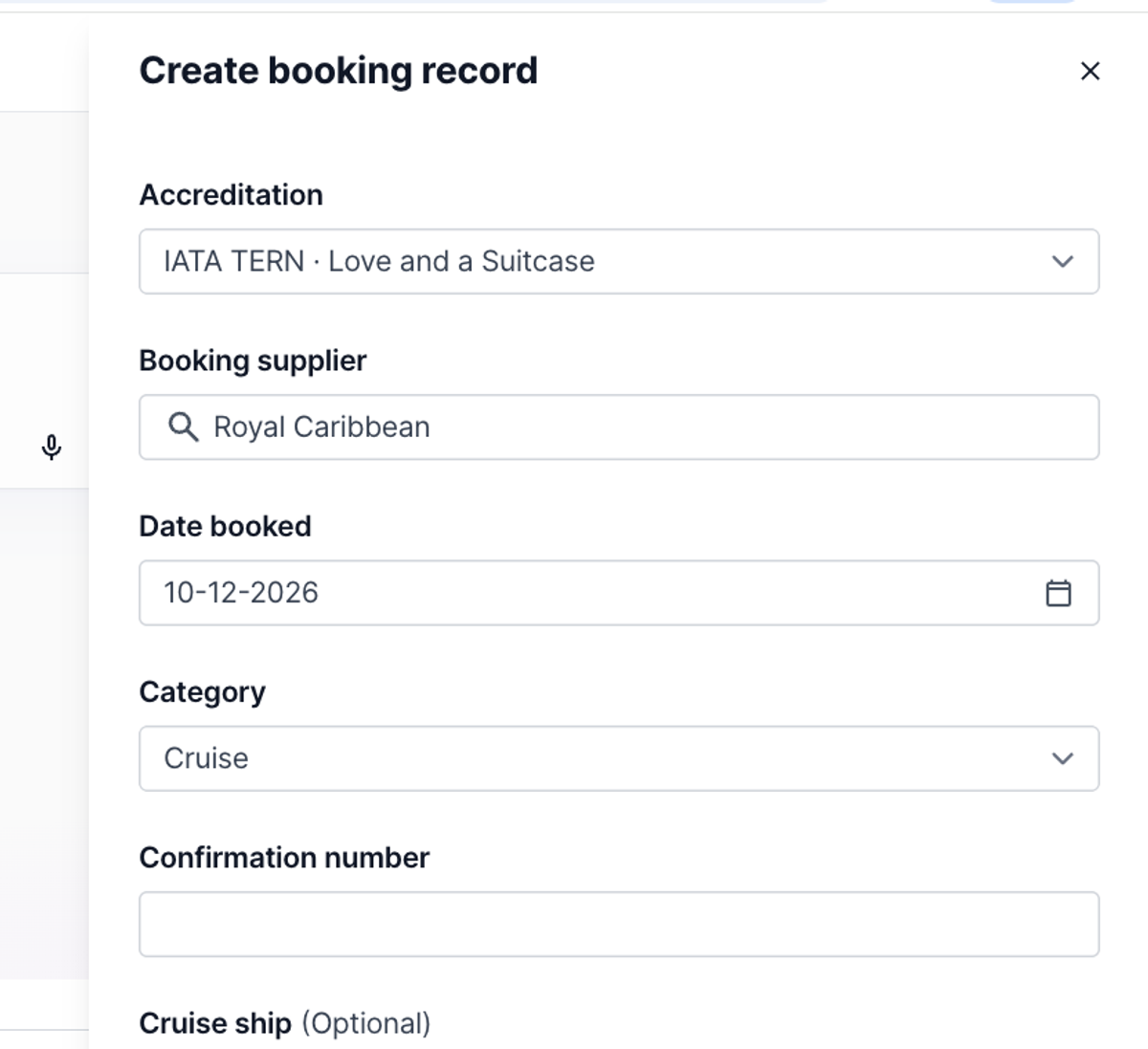
- Auto-filled booking category: When you choose a supplier in Quick Submit Booking, Tern fills in the booking category if it already knows the supplier’s category. For example, Royal Caribbean fills in automatically. This makes your reporting more accurate.
- Faster loading: Tasks on the dashboard and your contact list now load faster.
See you at the conference!