
This week brings two new accounting tools for agencies, reports that update almost instantly, and more control over how your itineraries read. Plus a round of smaller fixes that make everyday work smoother.
Supplier Commission Invoicing
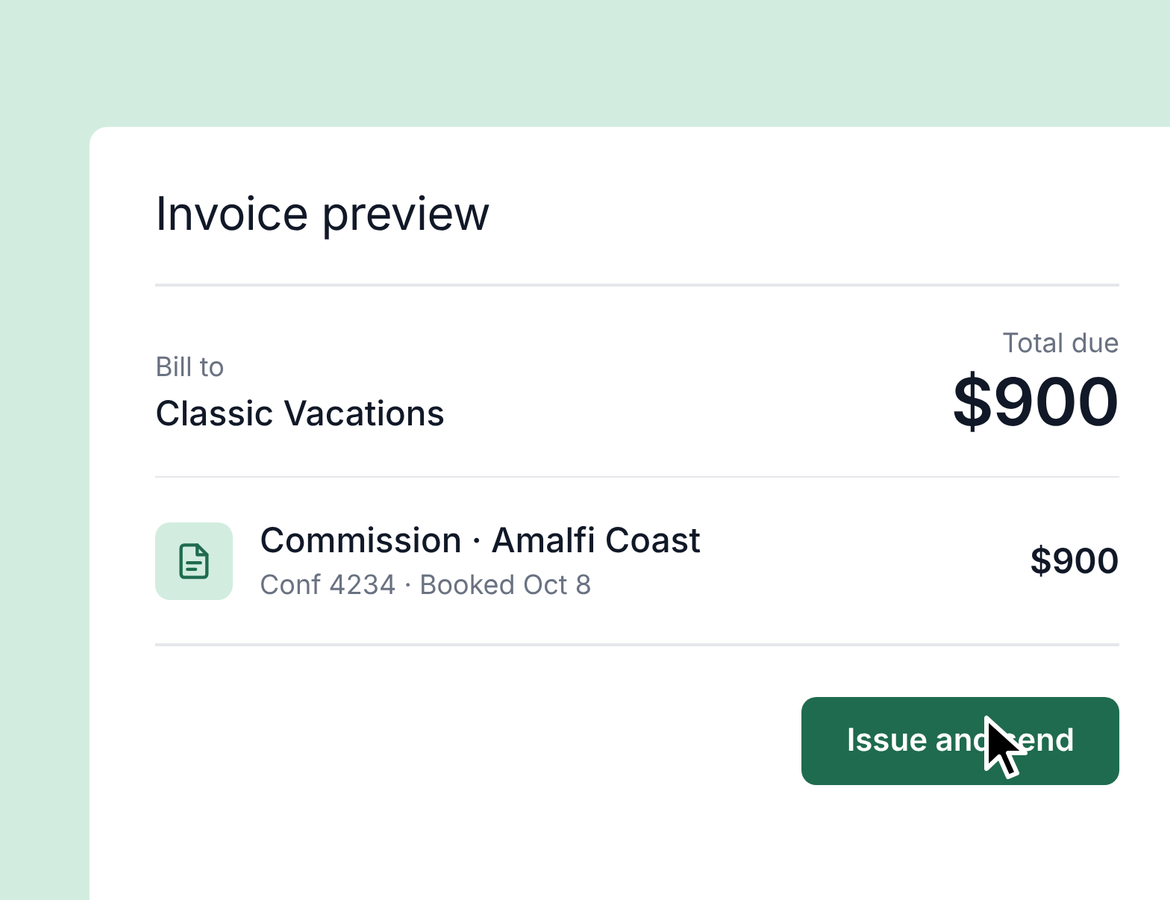
Some suppliers won't pay commission without an invoice. Now your agents can send one in a few clicks, branded with your agency's details and payment instructions.
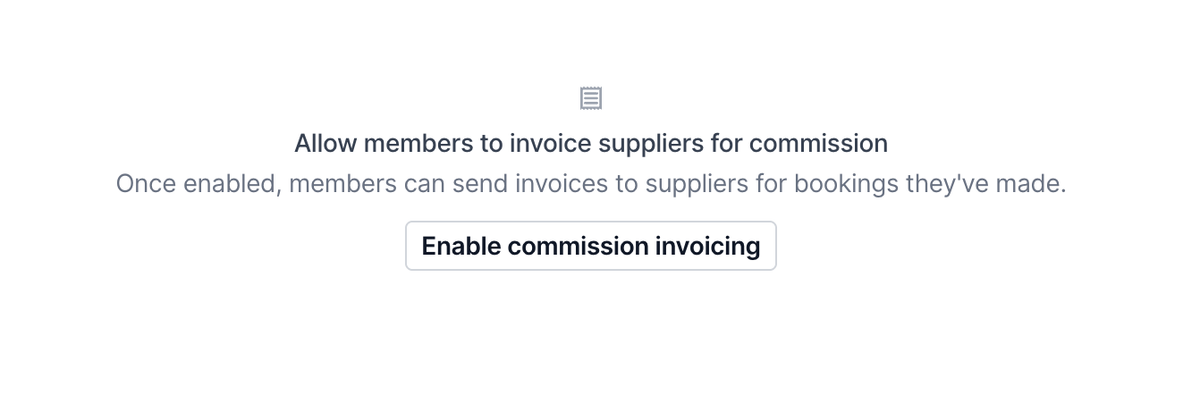
Set it up once. Go to Back Office > Commission Invoices to turn on the feature and pick the bank account that appears in your payment instructions. You can turn the feature or the memo field off at any time. Add your agency logo and address under Agency Details so every invoice is branded correctly.
Send from any booked item. After an item is marked as booked, agents can select Invoice supplier from the three-dot menu in the commission section. The amount pre-fills from expected commission, and booking details fill in automatically: confirmation number, booking date, total price, and travel dates. Add the supplier email and due date, then issue and send.
The supplier gets an email with a link to the invoice. Payment details appear when they open it.
Track what's owed. Back in Commission Invoices, you'll see every invoice with its agent, supplier, and status. Overdue invoices are flagged, and once commission is received and reconciled, the status and amount received update automatically.
Agency Outbound Invoicing
Need to bill for a marketing fee, a webinar sponsorship, or another one-off charge? Outbound invoicing lets your agency invoice a supplier, client, or agent directly from Tern.
Find it under Back Office > Accounting > Invoices. The overview shows what's outstanding, overdue, issued, and collected.
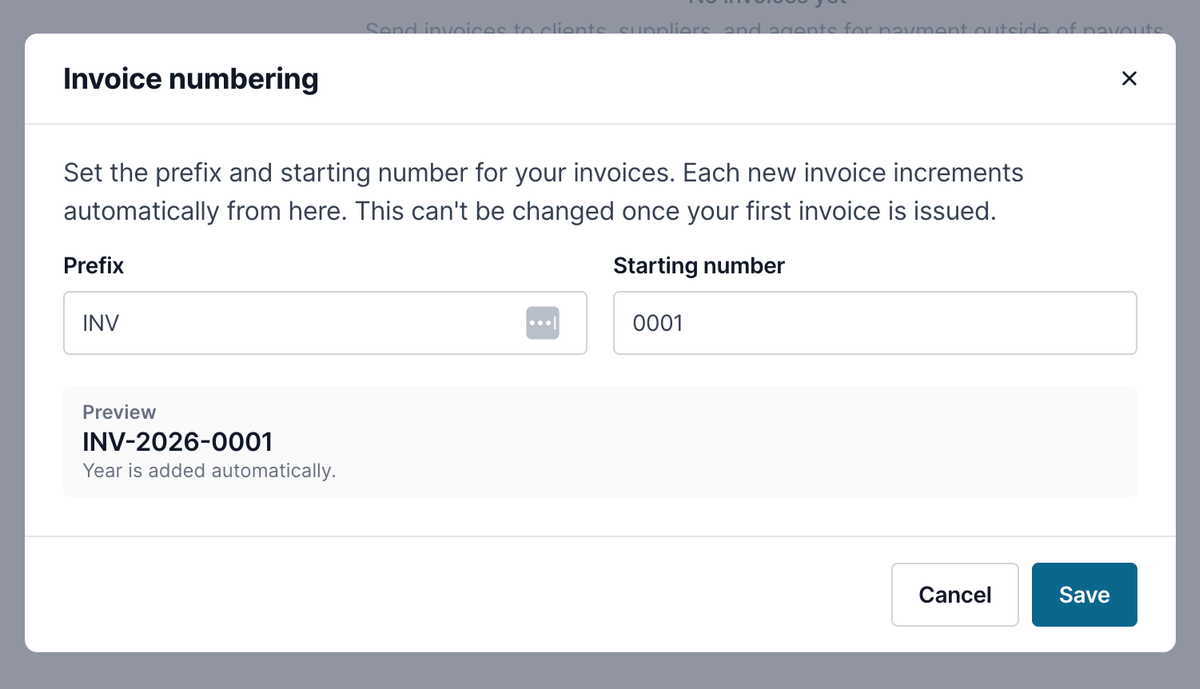
To create an invoice, choose the recipient type, then add the recipient's name and email, issue and due dates, a description, the amount, and an optional memo. Preview it before you send. Your branding and agency address are included, and payment details show when the recipient opens it.
After sending, you can email it again, download a PDF, void it, or record a payment with the amount, date, payment method, and a reference like a check number or transaction ID. The invoice list supports CSV export, custom columns, full-screen view, and emailing straight from the list.
Reports Now Update Within Seconds
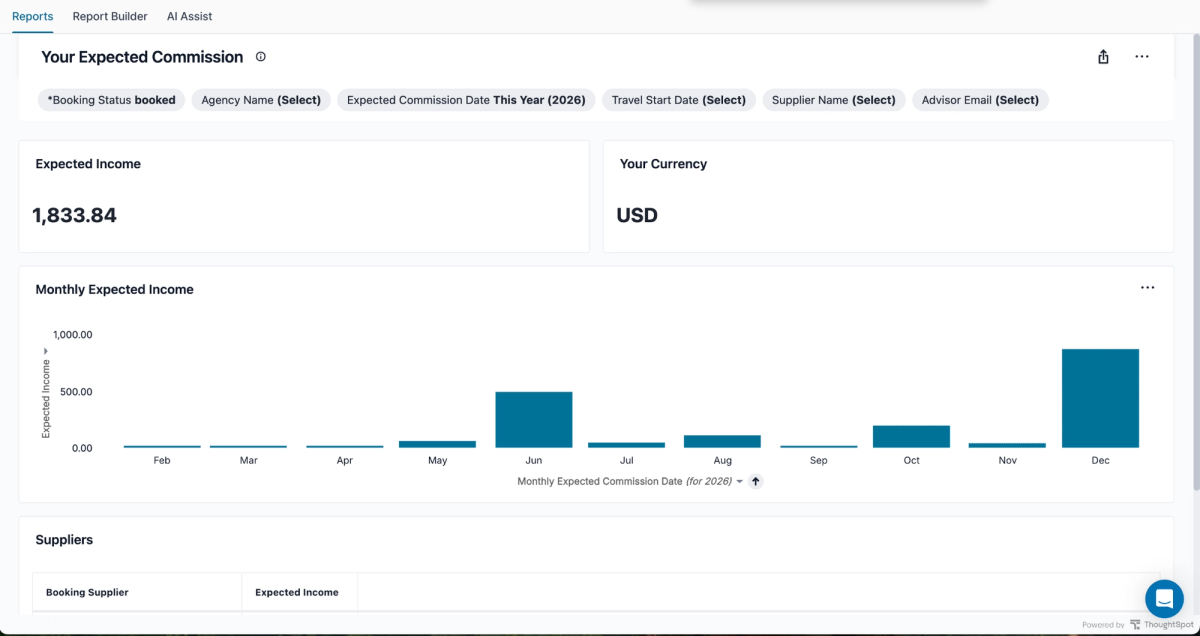
Every report in the Reporting tab now updates almost immediately. Mark an item as booked and your expected commission reflects it right away. No more wondering whether the data is delayed or something is broken.
The one exception is Where Are My Clients Now, which can still be up to an hour behind. The report description notes this.
Write Your Own Itinerary Subtitle
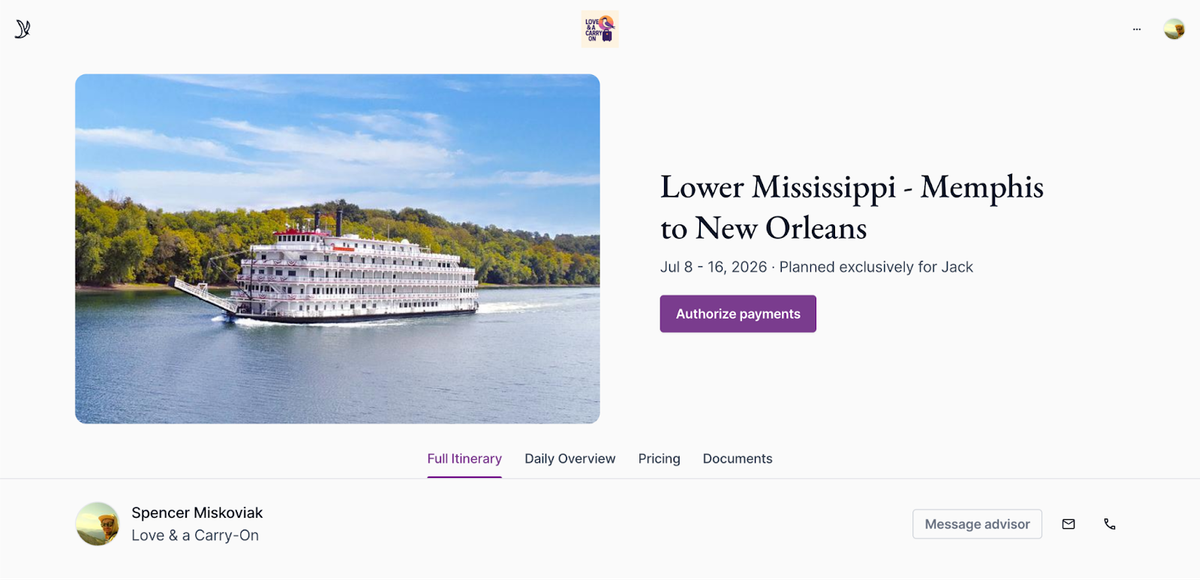
You asked for more control over the default subtitle text, and now you have it. When you edit an itinerary, you can replace the subtitle with anything you like. Leave it blank to show just the traveler names.
Quality of Life
- Duplicate library templates: Workflows, email templates, automation templates, task templates, and chat prompts can now be duplicated. Copies stay in the same folder as the original.
- Suppliers table keeps your place: Open a supplier from page three of Agency Suppliers, go back, and you'll land on page three instead of page one.
- Transportation subtype is now a dropdown: Easier to use on smaller screens than the old icons.
- Preview button is back: On itineraries, the Preview button has returned to its original spot for quick access.
- Personalized email variables in AI Chat: First name and name variables now work end to end when emailing travelers individually, replying, or using a saved template, and the confirmation shows the correct variable chip.