
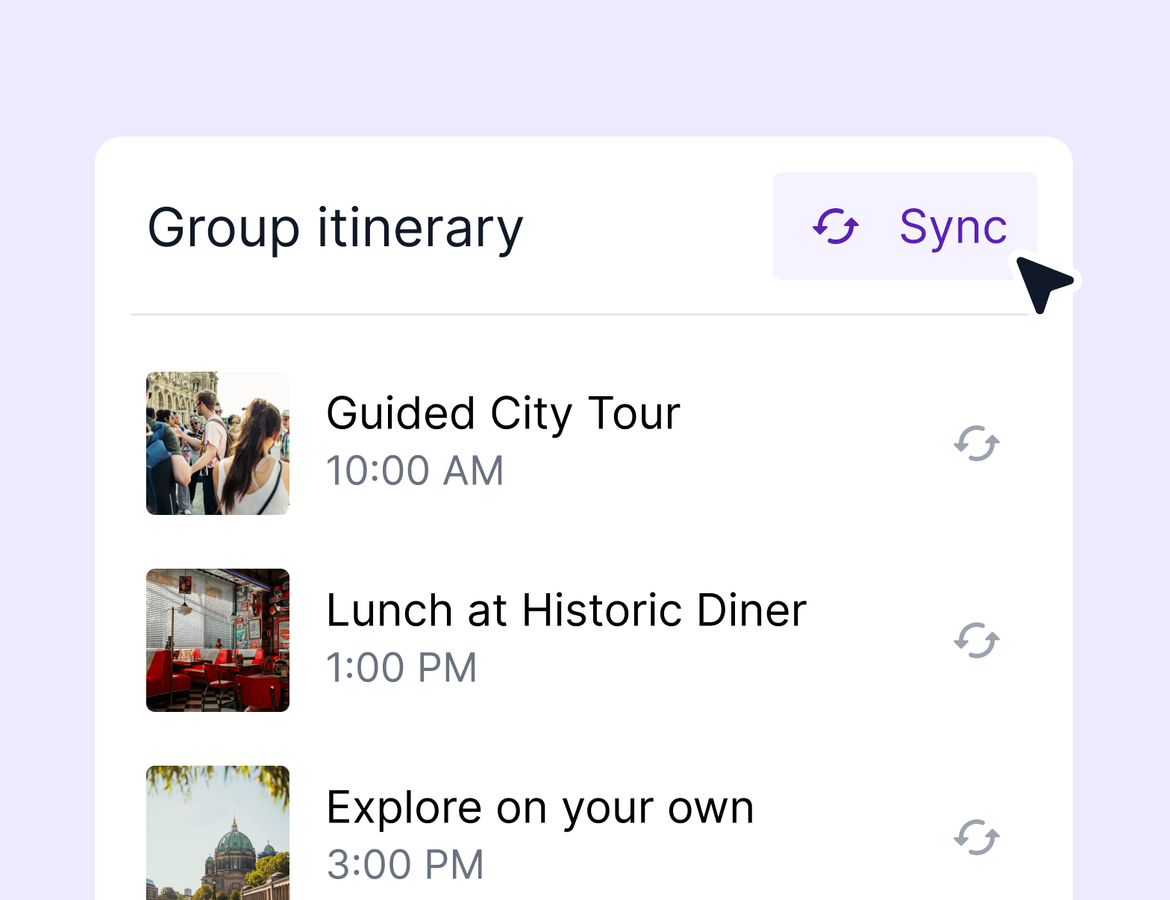
The number 1 request on group trips just shipped. You can now push updates from a group trip to every subtrip in one sync, so a forgotten cabin or a changed activity no longer means editing dozens of itineraries by hand. AI Chat also picked up several new skills this week, the booking drawer keeps getting refined based on your feedback, and a stack of quality-of-life updates rounds things out.
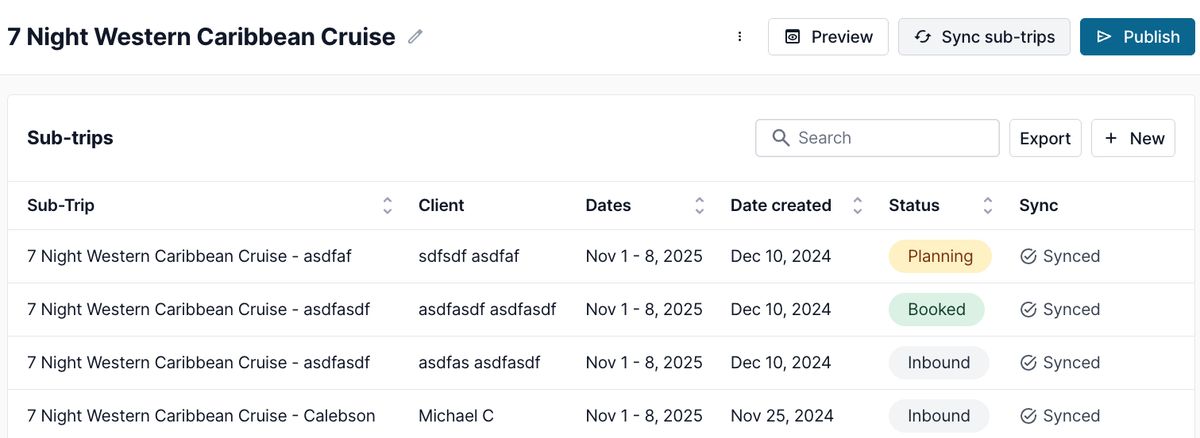
Push group trip updates to every subtrip (beta)
Until now, subtrips inherited the group trip's items when they were created, and that was it. Anything you added or changed afterward had to be updated on every subtrip individually. That's over.
Add a cabin, attach a document, edit an activity description, or delete an activity on the group trip, then sync it out to every subtrip. You choose whether to sync only or sync and publish, and the sync runs in the background so you can keep working while it processes. Large groups may take a few minutes.
If syncing doesn't fit a particular group, turn off subtrip syncing on that group trip and the behavior deactivates for all of its subtrips.
This feature is in beta. The help center has a full walkthrough covering what syncs, what doesn't, and workarounds for cases like booking and pricing updates. If you run into anything, let our support team know and we'll jump on it. Learn more.
AI Chat gets more helpful (beta)
AI Chat picked up several new skills this week:
- Edit tasks and notes in chat. Ask it to rename, rewrite, or relink a note or task and it will update the content for you.
- Use your library from chat. Chat can now find and read your saved task templates, find your saved activity templates, and apply them to itinerary days. It only sees the library items you have access to.
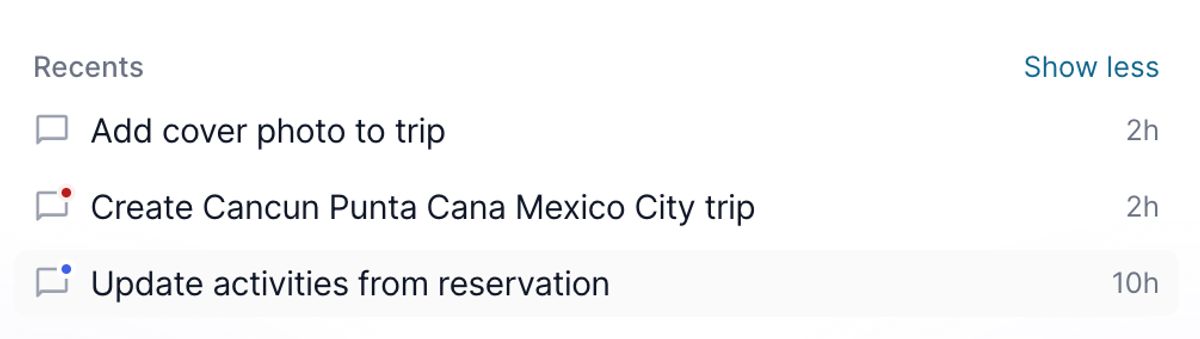
- New chat history indicators. Pending action indicators now show on every chat, and an unread dot flags new assistant messages so you know when something needs your review.
- Tours default to optional add-ons. When you add tours through chat, they're marked as optional add-ons by default, since that's the most common way advisors use them.
If you haven't used AI Chat in a while, try asking it to do things the way you would an assistant. It's getting more capable every week.
Booking drawer refinements
The new booking drawer laid the foundation for features like multiple commission splits and mentor-mentee setups, but we overlooked some important cases at launch and heard from many of you that it felt clunkier than the old experience. We've been working through that feedback:
- You can now indicate you're expecting additional payments at any time, even on bookings that have already received commission, directly from the booking record view.
- You can always log a second payout.
- Backdating payment statuses is simpler. Mark a payment as previously paid to record commission you've already paid out. This also clarifies the mark paid button, which is for backdating your records, not for generating payout statements. To pay agents and generate statements, use the ready-to-pay flow.
- Editing and deleting payouts is easier. Payouts tied to a payout statement stay locked to preserve your payment records, but everything else is now simpler to change.
Keep the feedback coming. We'll keep refining until this feels like a clear upgrade from the old way of doing things.
Cleaner agent claims for unclaimed bookings
Two updates based on your feedback. The booking date no longer appears as a filter for agents claiming unclaimed bookings, since unclaimed bookings don’t have a “booking date”. And agency admins now get an email whenever an agent requests an unclaimed booking. If those emails get noisy or you want control over who receives them, let us know and we'll layer on more customization.
Quality-of-life improvements
- Form submissions from the Travel Leaders Network integration now create or update contacts in your CRM, so leads that come in on the TLN side flow straight into Tern.
- Collaborators can now see form responses on contacts shared with them, under the forms tab in Shared With Me.
- Deleting a group trip now shows you which subtrips will be deleted along with it, so there are no surprises.
- Property addresses now display in several more places to make it clearer which property you're looking at.
That's it for this week. Group trip syncing is the big one, so give it a try and tell us what you think.