AI Chat can now read the links you paste. It can also clean up your trips for you. Plus: a full client history on every contact, reports you can find by question, and more flexibility with Hotels by Tern. Here’s what’s new.
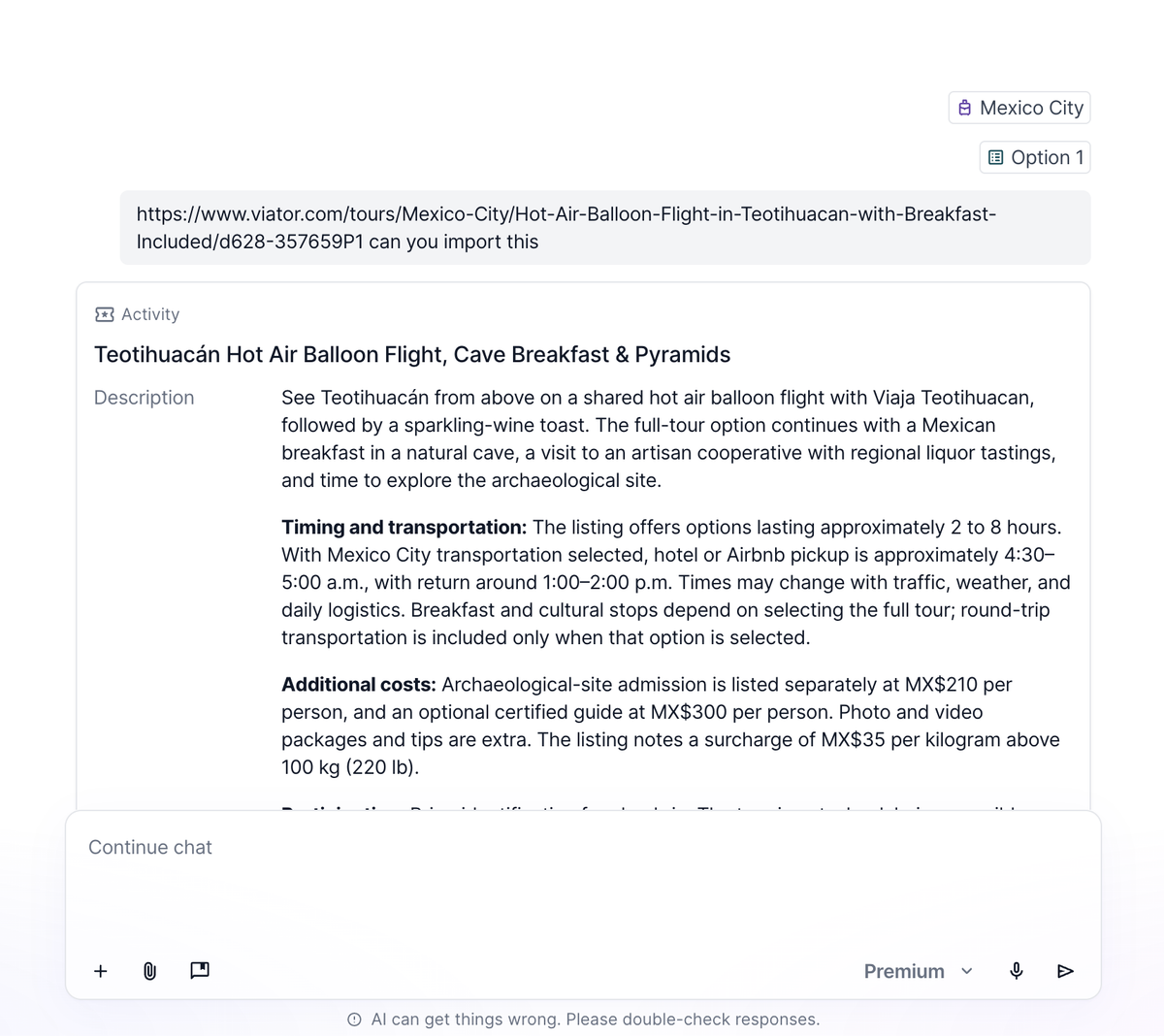
AI Chat can read webpages
Paste a link to a tour, cruise itinerary, restaurant, hotel or supplier booking page. AI Chat reads the page and turns it into an activity on your itinerary, in your writing style. Review the suggestion, then accept or reject it.
A few limits for now:
- Text only
- Only links you paste yourself
- No pages behind a login. For those, use the Chrome extension or upload the page as a PDF.
Client history on contacts
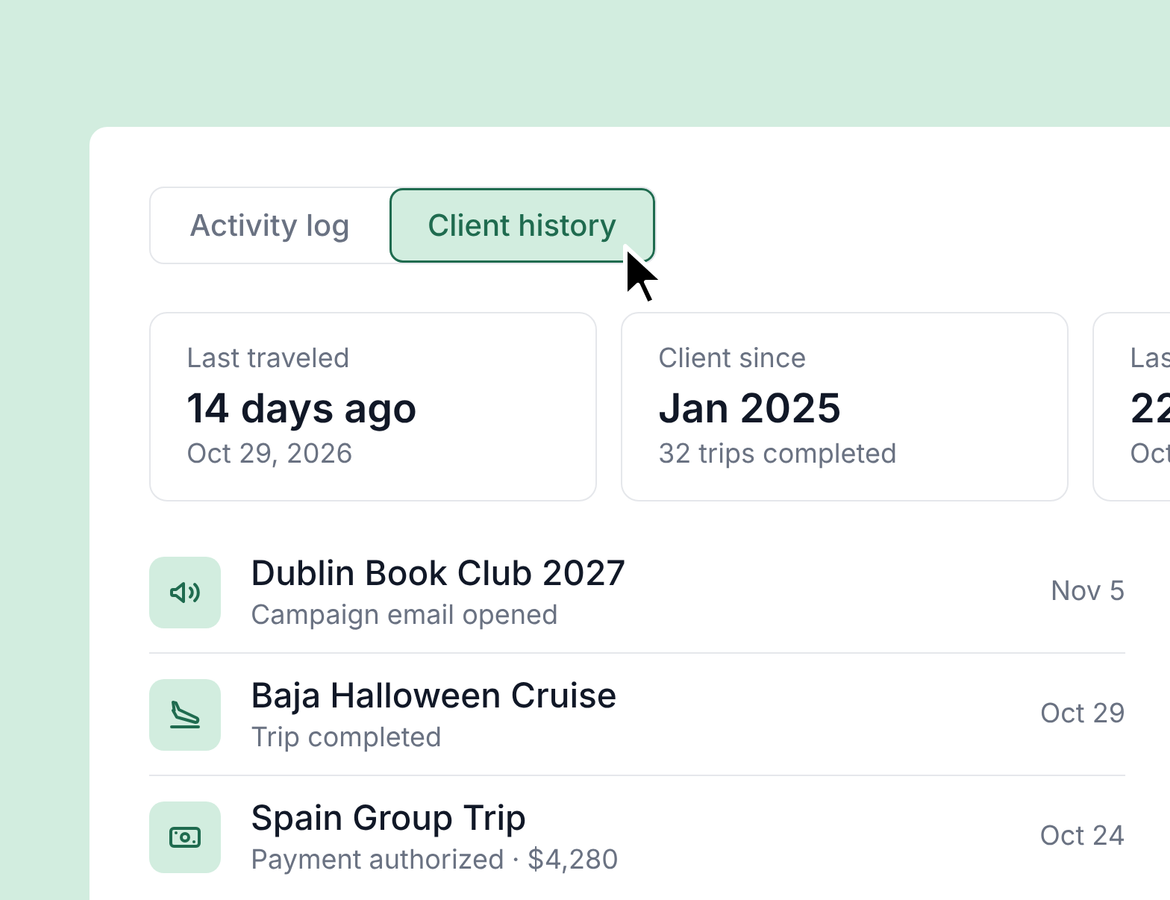
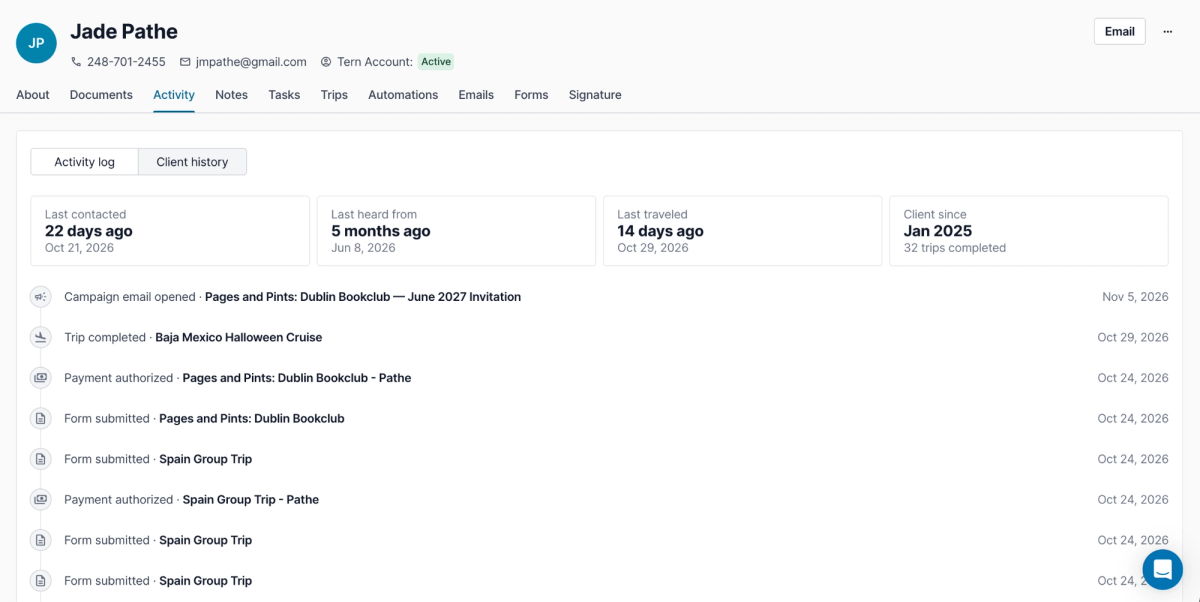
Open a contact, go to Activity, then Client history. Every interaction with that client is in one timeline, newest first.
At a glance, you’ll see when you last contacted them, when you last heard from them, when they last traveled, how long they’ve been a client and how many trips they’ve completed. The timeline covers emails, campaigns, forms, itinerary approvals, payments, bookings and completed trips. Each entry links straight to its source.
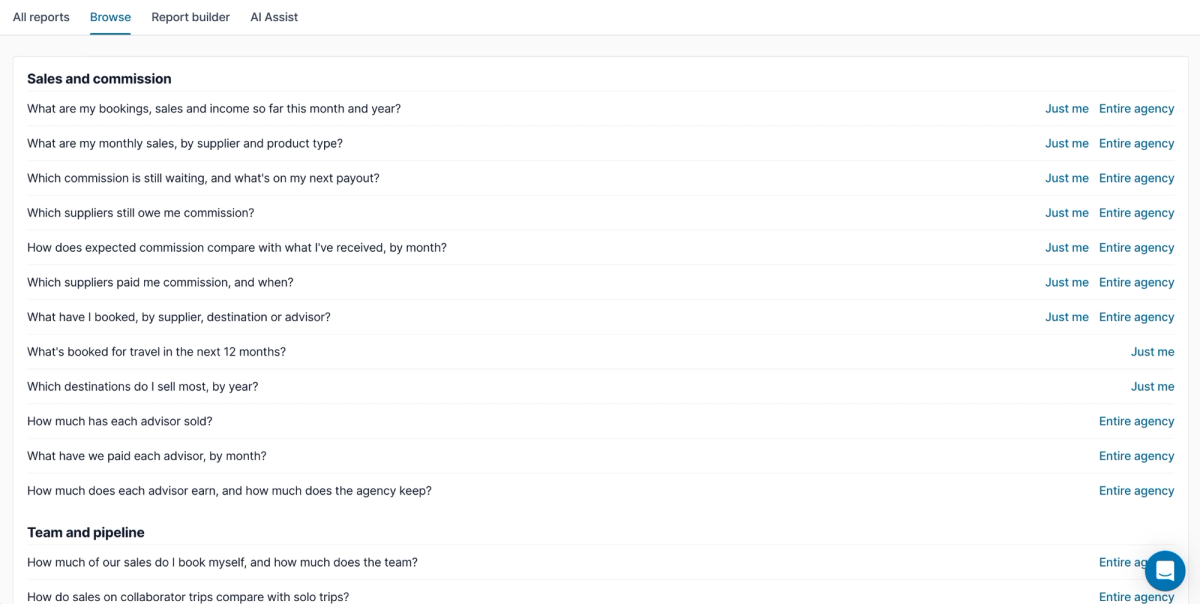
Find reports by question
Reporting has a new Browse tab. Common business questions are grouped by theme, like destinations, clients, and team and pipeline. One click opens the report.
Agency owners and admins can switch between Just me and the Entire agency. Your saved reports are still under All reports, in the Saved tab.
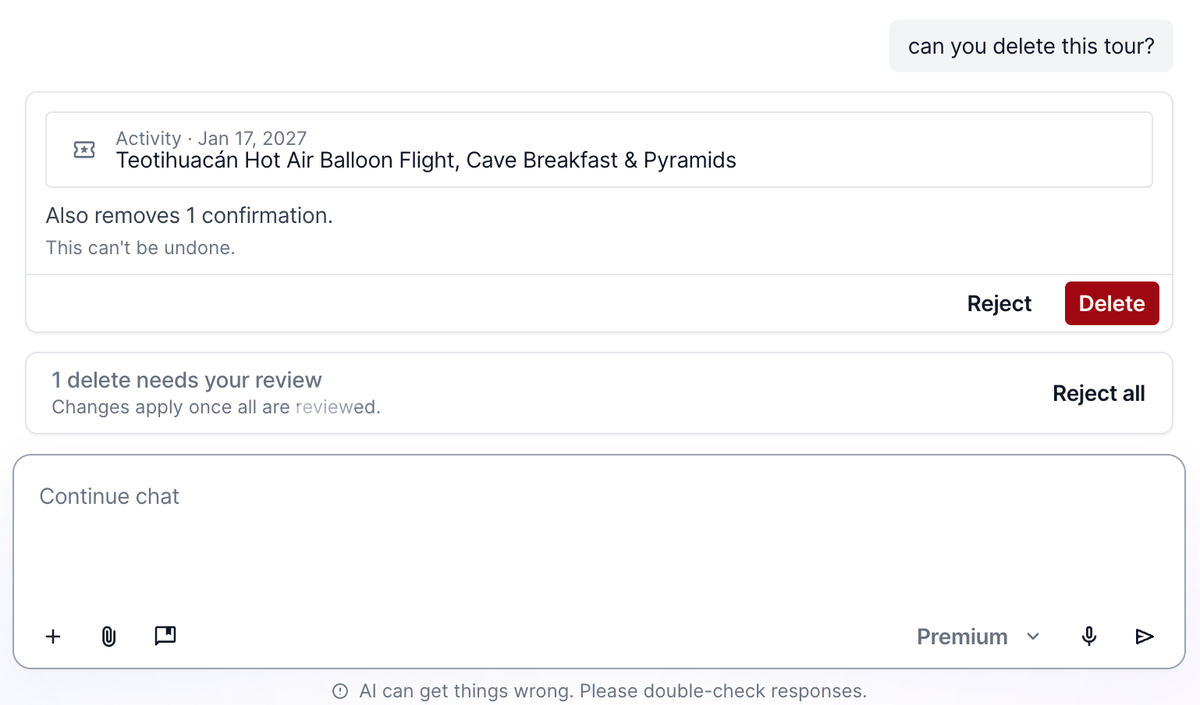
AI Chat can delete, reorder and log payments
AI Chat can now:
- Delete activities, itinerary options and trips (always with a confirmation first; deleted items go to the trash, just like manual deletes)
- Reorder activities
- Log client payments and set expected commission
- Mark bookings as booked
That means you can create an activity, add a payment schedule, log payments, set commission and mark it booked, all in one chat.
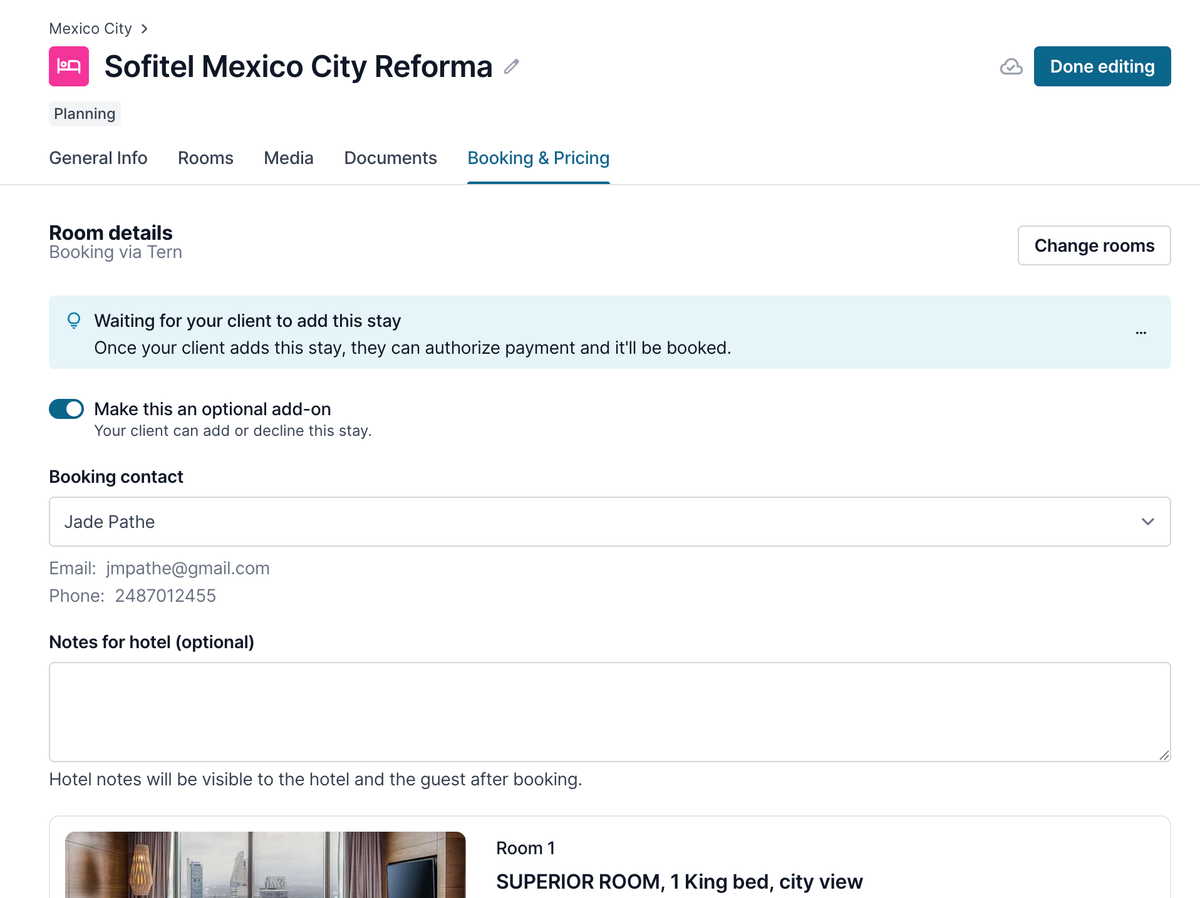
Optional add-ons with Hotels by Tern
Hotels by Tern now supports optional add-ons. Ask AI Chat to find a bookable hotel, and it will search properties with live rates and add your pick straight to the trip. Then mark it as optional.
Your client sees it in the traveler view and chooses whether to add it. If they do, they book it directly through Hotels by Tern.
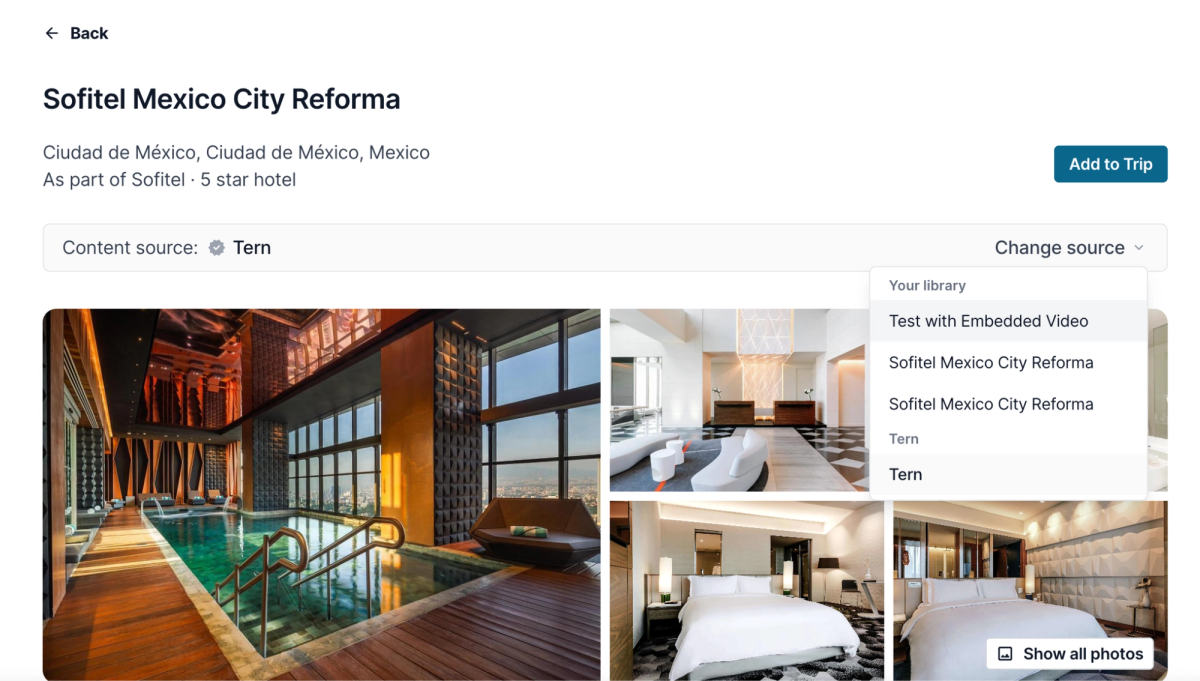
Use your own templates with Hotels by Tern
Want your own description and photos on a hotel you book through Tern? Now you can.
Open the property from your hotel library and switch the content source from Tern to your own template. Your description and media are used, while room info and booking still run through Hotels by Tern.
Tip: open the property itself, not the room rates view. You can only switch to your template from the property.
Quality of life
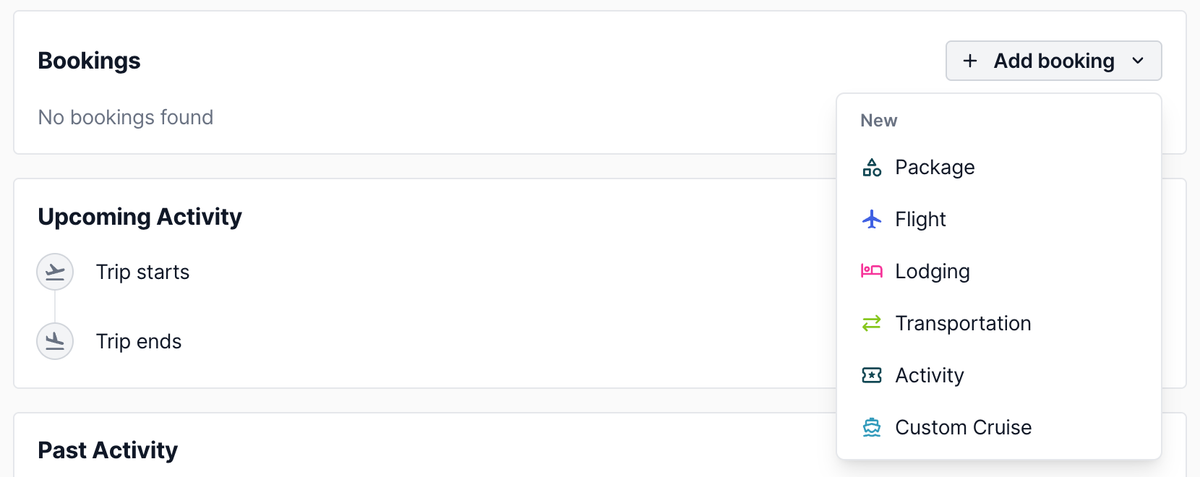
- Add booking from the trip overview when a trip has only one active itinerary
- Billing details on agency supplier profiles, under Back office > Suppliers
- AI Chat can search trips and filter by status, tag, group trip and unpublished changes
- “Cancellation” is now spelled consistently across traveler and advisor screens. Thanks for flagging it.