
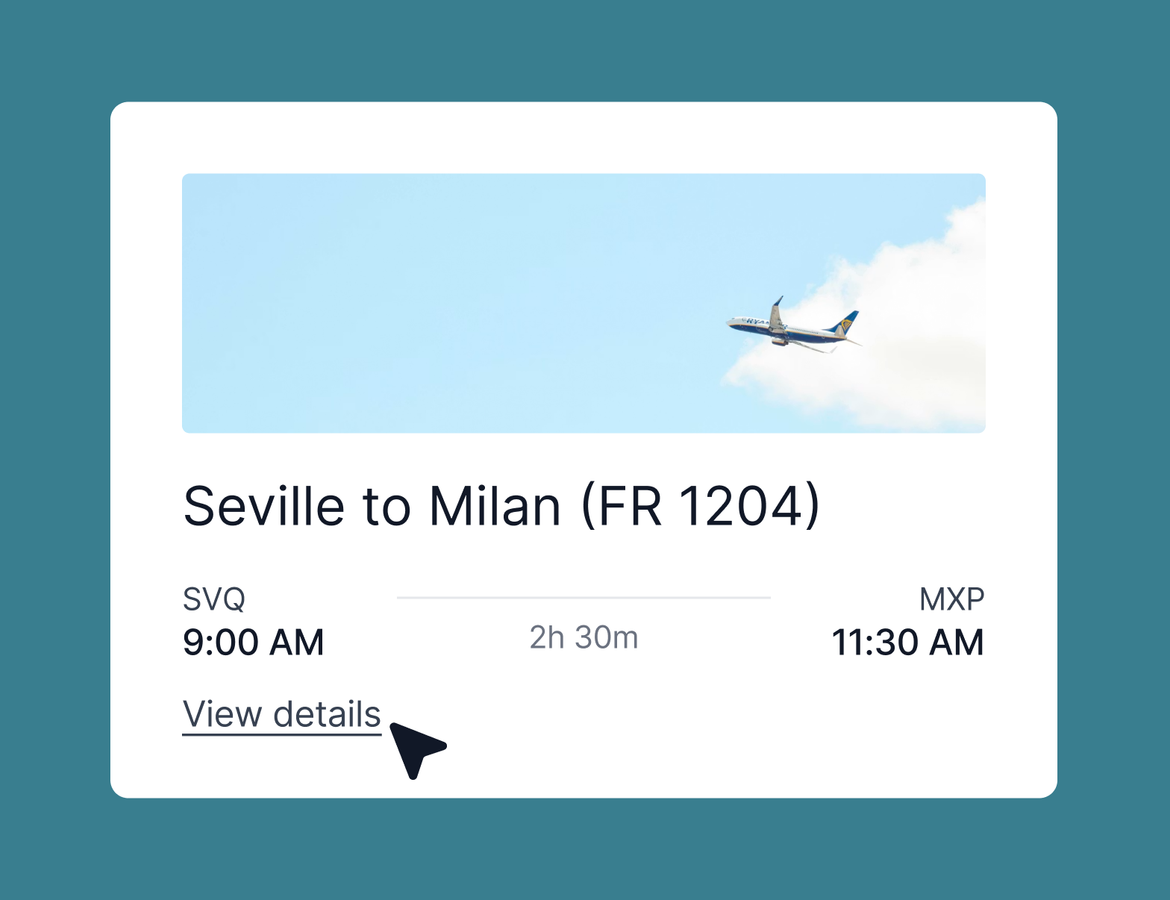
Clearer itineraries, a smarter AI Chat, and a prompt library
This week answers one of our longest-running feedback requests: your clients can now see times and durations of activities right on the web version of their itinerary without clicking “learn more”. AI Chat also picked up 3 new tricks, including a prompt library you can share with your agency and the wider Tern community. Here is what shipped.
Activity times and durations, now on web itineraries
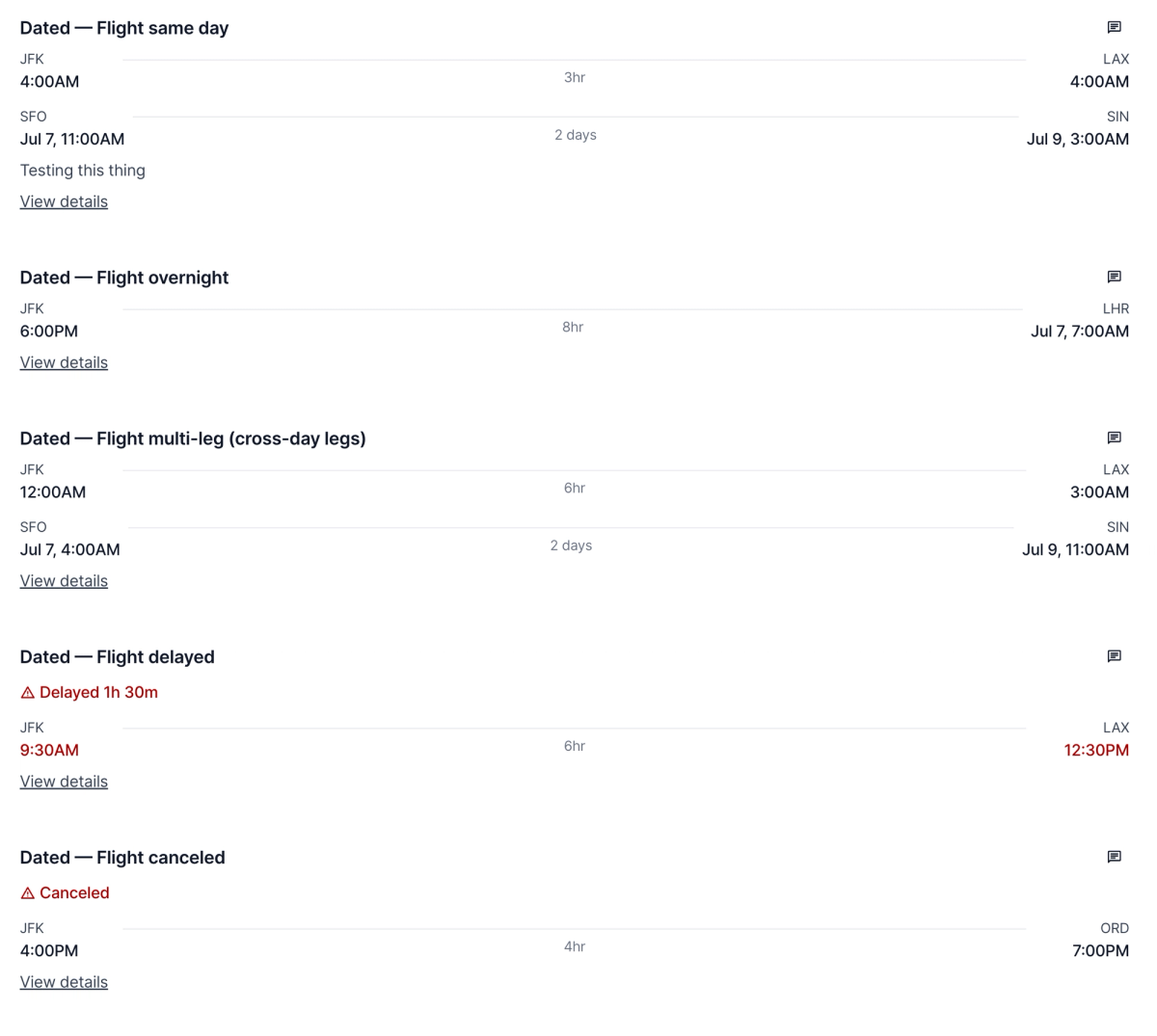
Your clients no longer have to click into an item to see when it starts. Flights and transfers now display clearer visual start and end times on web itineraries. Activities show their times directly on the itinerary page. And items now show duration, a detail advisors loved on the mobile app that has made its way to web.
This works across every variation we could throw at it: activities with and without times, transfers with departure times, multiple ports across multiple days. Your clients see a cleaner, more complete picture of their trip without any extra work on your end.
This was one of the most requested improvements to client-facing itineraries, so thank you for the feedback. Keep it coming.
AI Chat can audit your automations
Ask AI Chat about your workflows and it will do the digging for you. Try a prompt like "which of my trips in Booked are missing our automations." Chat looks up your trips, flags the ones missing a new trip welcome email or other automations, and then helps you apply the right ones. You can keep the conversation going to update trips one by one or all at once.
AI Chat reads form responses
Incomplete form responses have been a pain point for a while. Now, when you open AI Chat from a form, it automatically has the context of that form response. Ask it to create a contact from the response, ask questions about specific answers, or use it however you need. No copying details back and forth.
Save your best prompts, and borrow from the community
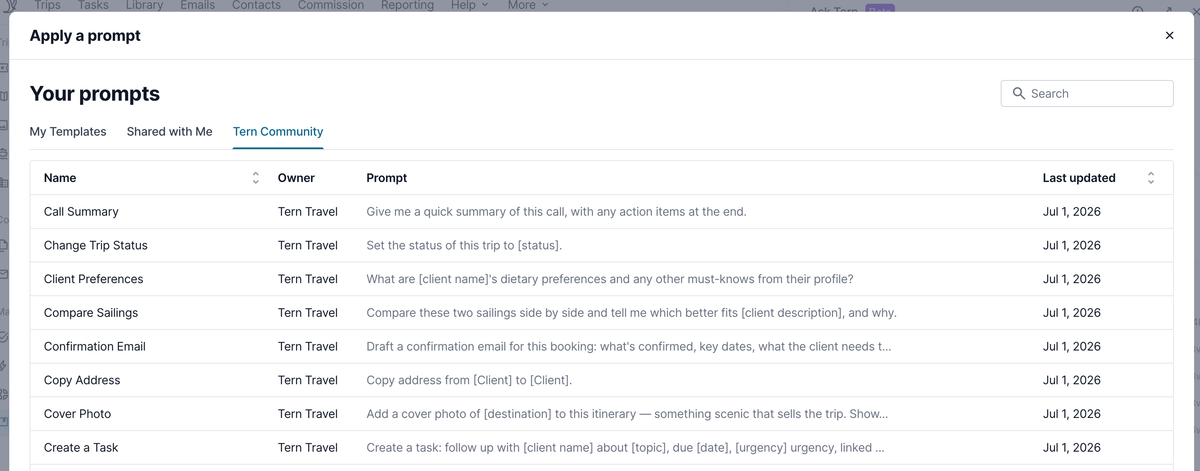
If you have a prompt you use constantly, you can now save it. Head to your library and you will find a new management option for chat prompts. Store your own, share them with your agency, or publish them to the Tern community so other advisors can discover them.
Within chat you’ll see a new option to apply a prompt to get started.
AI usage limits are now in effect
As previously announced, AI usage limits are now live. Every package includes a standard amount of AI usage, and you can review yours anytime under settings and subscriptions. From there you can add Pro usage tiers if you need more, or remove them from your plan. Learn more.
Quality of life improvements
- You can now set a contact address when creating a contact from the traveler view of a trip. This previously only worked when creating contacts elsewhere.
- When reviewing your duplicate contacts queue, you can now dismiss contacts that are not actually duplicates to clear them from the list.
- PDF text renders with more refined font weights, so itineraries that mix bold and regular text look more polished.
- Badges across the product have a refreshed, more consistent design.
Coming soon
Several closed betas are wrapping up, including group syncing, letting advisors claim unclaimed bookings with your approval, and mentor-mentee commission splitting. Expect these to roll out in the next week or two as we finish gathering feedback.