
Your own photos, working for you
You take photos on every site inspection and fam trip, and most of them sit in your library waiting for a reason to come out. This week, AI Chat picked up three new skills, including one that builds a trip from the photos you already have. There is also a clearer way to read your month-to-date numbers, room options you can finally reorder, and a stronger task search. Here is what shipped.
A quick reminder before the updates: usage limits on Tern Pro take effect July 1. If you lean on AI Chat heavily and want to avoid any disruption, you can add a higher usage tier under Settings, then Subscriptions. The Help Center article on usage limits walks through what changes and how to think about the right tier for you.
AI Chat: 3 new skills
Three new skills landed this week. As always, the downvote button is the fastest way to tell us when something misses, and the team is watching that feedback closely.
Build a trip from your photo library
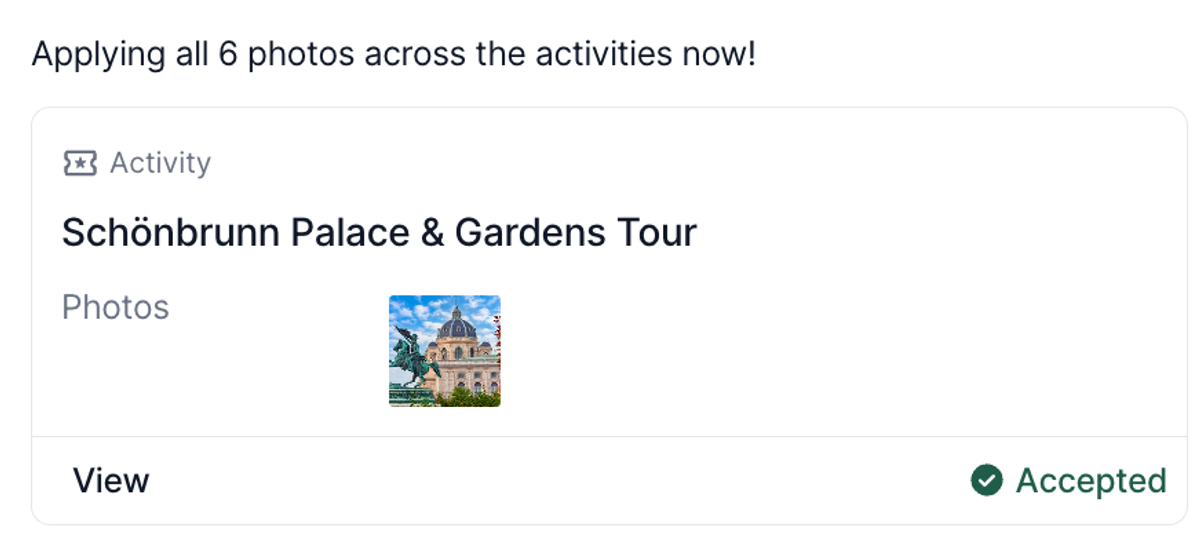
AI Chat can now search your library photos and use them to populate a trip. Ask it to create a trip and pull in your photos, and it will find the relevant ones and place them on the itinerary cover and trip items, the same way the photo gallery works today.
This is a brand new, early version. Right now it matches on the details attached to each photo, the name, location, and supplier. Folder context is not part of the match yet. Since you often group photos by location in folders, we are working on an upgrade to read that context too, which will make the right photos easier to surface. If the results are not what you expected, the downvote button helps us tune it.
Match your writing style automatically
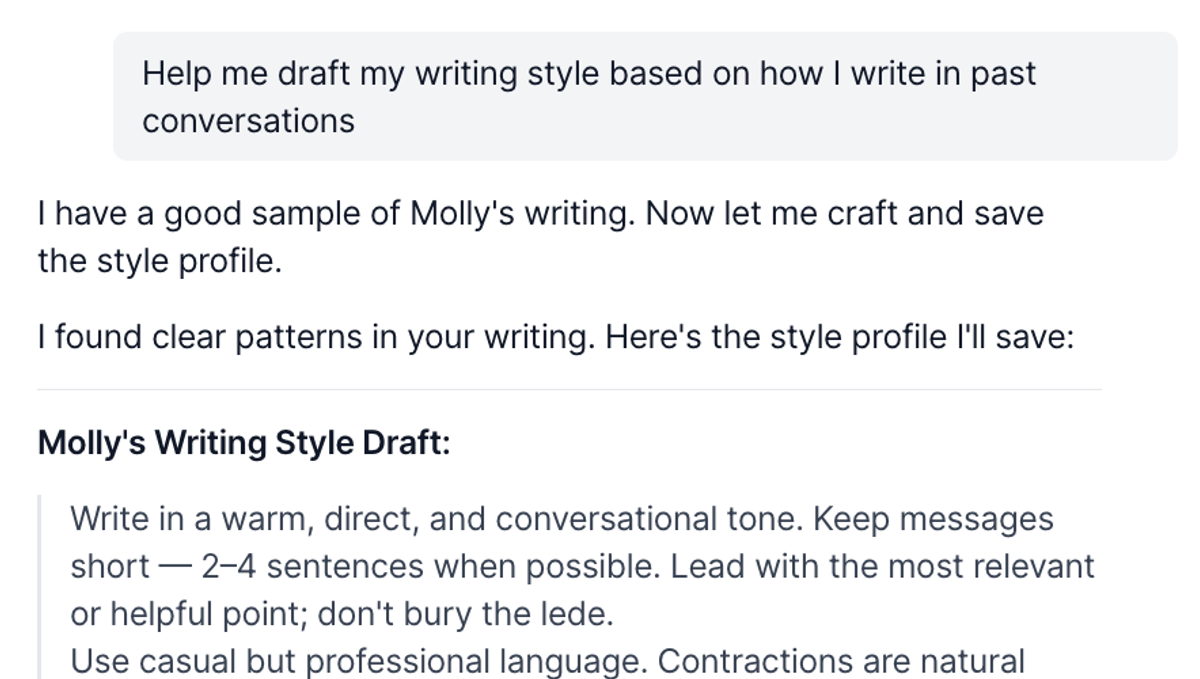
Ask AI Chat to draft your writing style based on your past conversations, and it will look at how you have written before and propose a style for you. Review it, accept it, and it saves straight to your branding settings, so the tone carries through the writing AI Chat does on your behalf.
Publish a trip from the chat
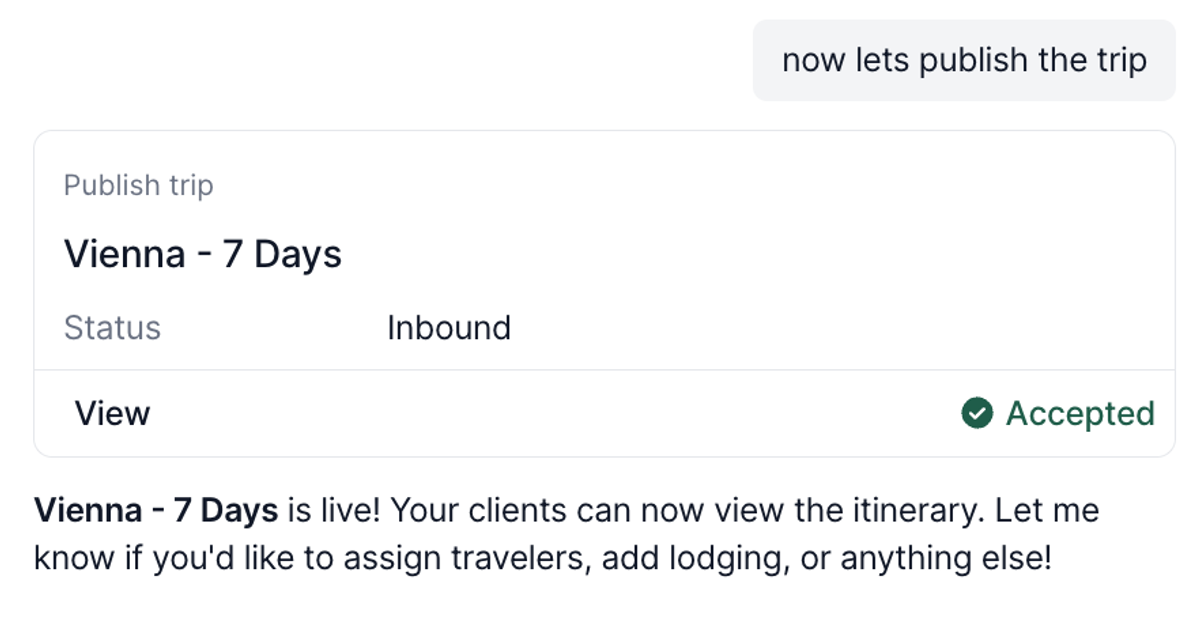
AI Chat can now publish a trip for you. Once the itinerary and photos are in place, you can have it publish without switching screens or doing the final step by hand.
Quality of life improvements
- Month-to-date KPIs now compare year over year. The reporting dashboard cards used to compare this month to last month, which does not hold up against the seasonality of travel. Now they compare to the same period last year, so you can see how you are actually tracking.
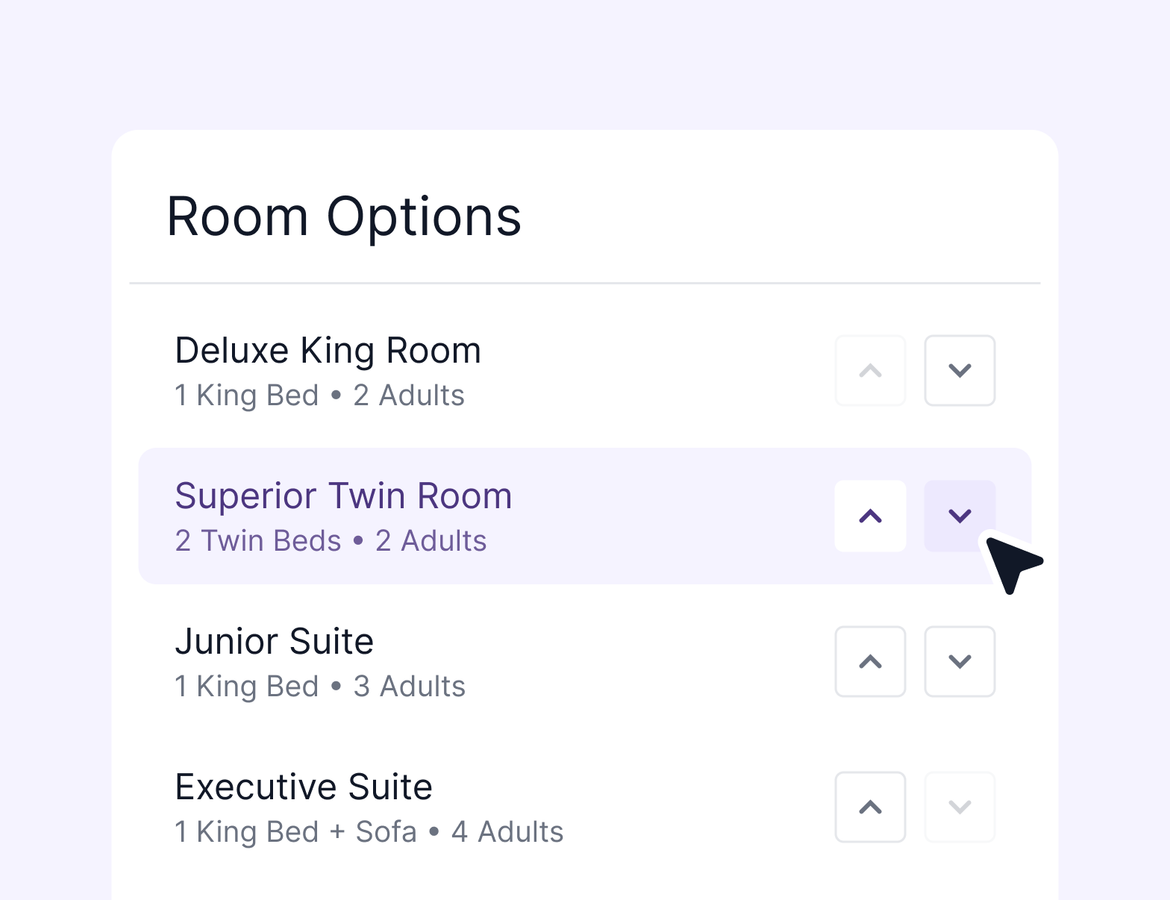
- Reorder room options. Built your room options out of order? You can now move a room up or down to get them in the right sequence, descriptions and photos included.
- Task search got more powerful. You can now search tasks by title, description, trip, and owner, so you can pull up everything assigned to one person across your trips and contacts in a few keystrokes. It also helps AI Chat find the right tasks.
That is it for this week. More next week.