
Some updates save you a click. This week's headliner saves you a habit. Trips can now move themselves through your statuses, so "drag everything to traveled" stops being a Monday ritual. That's alongside a stack of reporting upgrades, a new home for the agency back office, documentation requirements for commission types, and a long list of quality-of-life wins. Let's get into it.
Change trip status with automations
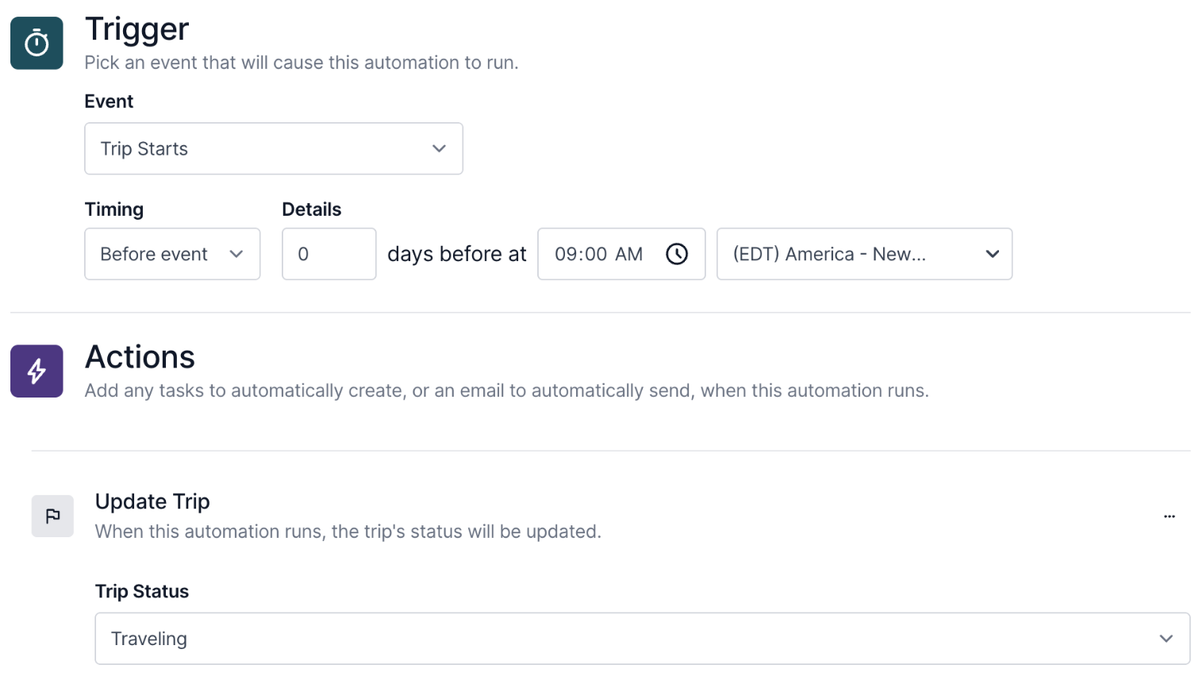
This has been one of the most requested features for a while, and it's here. Automations can now update a trip's status for you.
Add the new "update trip" action to any automation and choose the status it should set. Trigger it however fits your process. Set trips to traveling the morning the trip starts, mark them traveled the day after the end date, or archive them 60 days out. Any status you've built works.
You can confirm it fired in the trip activity log, which shows the status change and the automation behind it.
One note for agency owners sharing automations across a team: if the status name matches exactly, the automation keeps the status when copied. If it can't find a match, the automation still copies over without a status set, so you can map it to the right one.
A new planning report for your unbooked pipeline
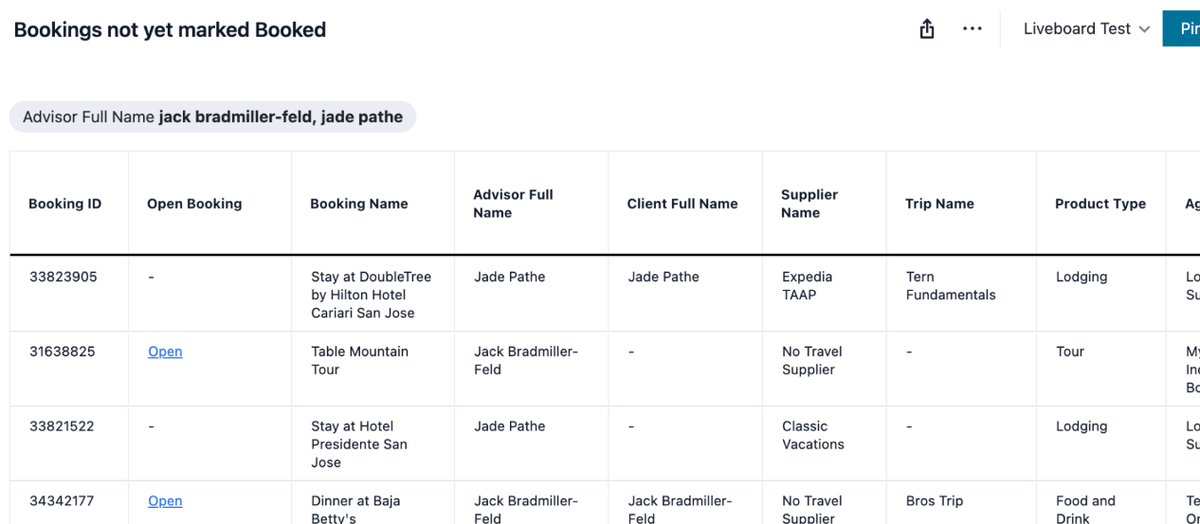
The new planning report shows every booking that hasn't been marked booked yet, across your trips or all agency trips. Filter it down as far as you need, export to CSV, and open any booking directly from the report to finish the job. If something slipped through the cracks, this is where you'll catch it.
Payment due dates in booking reports
Final payment due dates are now available anywhere you see booking reporting data. In popular reports like Agency Sales and Commission, open “Explore” in the bookings table and add final payment due date as a column or filter. If you've upgraded to Tern Pro with advanced reporting, the same fields are available in the bookings report builder, so you can build and save your own payment-focused reports.
This is also the foundation for a bigger payments report coming to everyone in the next few weeks. Keep an eye out.
More ways to slice sales and commission data
A few new fields landed across reporting this week:
- Client residence state is available as a column and filter wherever you explore client data, which helps with things like tax reporting.
- Consortia and marketing codes (Signature, TLN, and more) can now filter client reports, both in Explore mode and in the Tern Pro report builder.
- Trip tags can now filter the Your Trips and Agency Trips reports, which makes it easier to drill into lead sources across your team if you track them via tags.
A new home for your agency back office
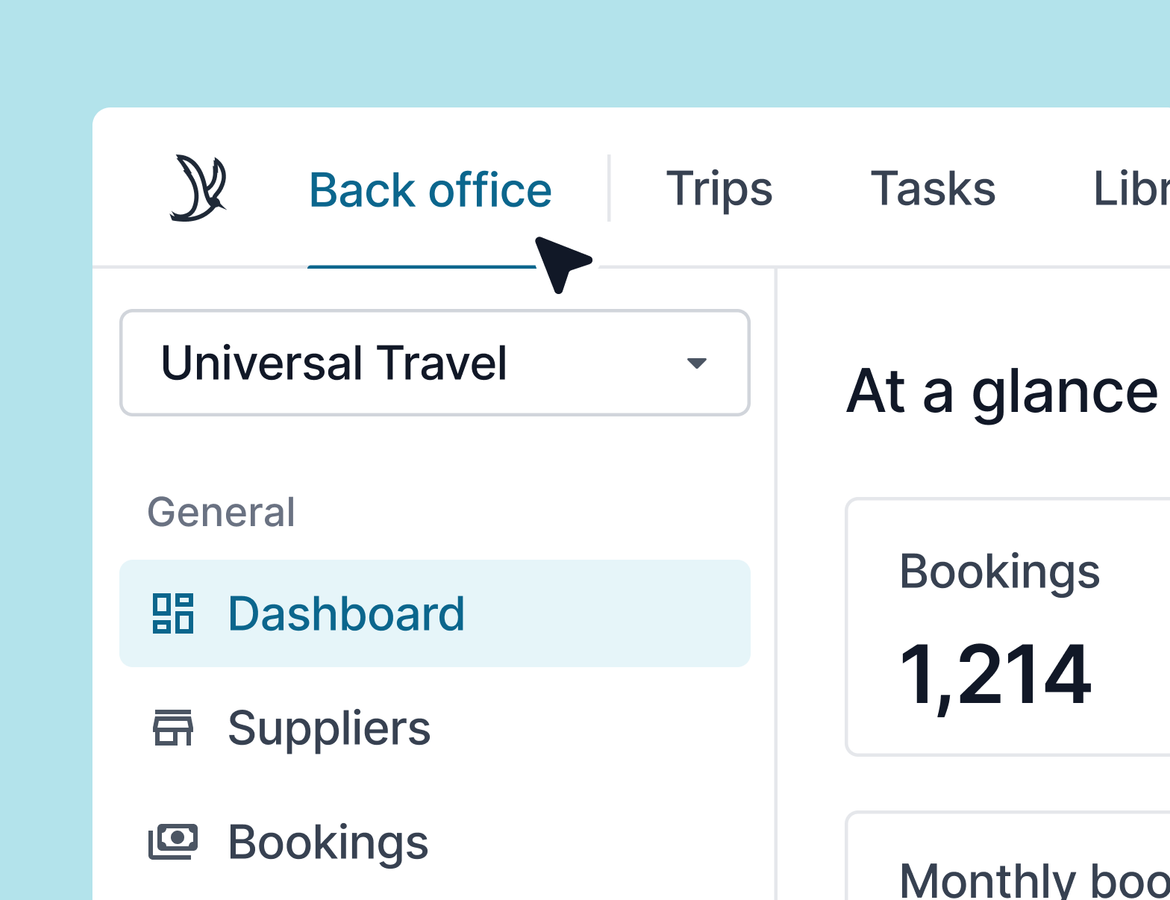
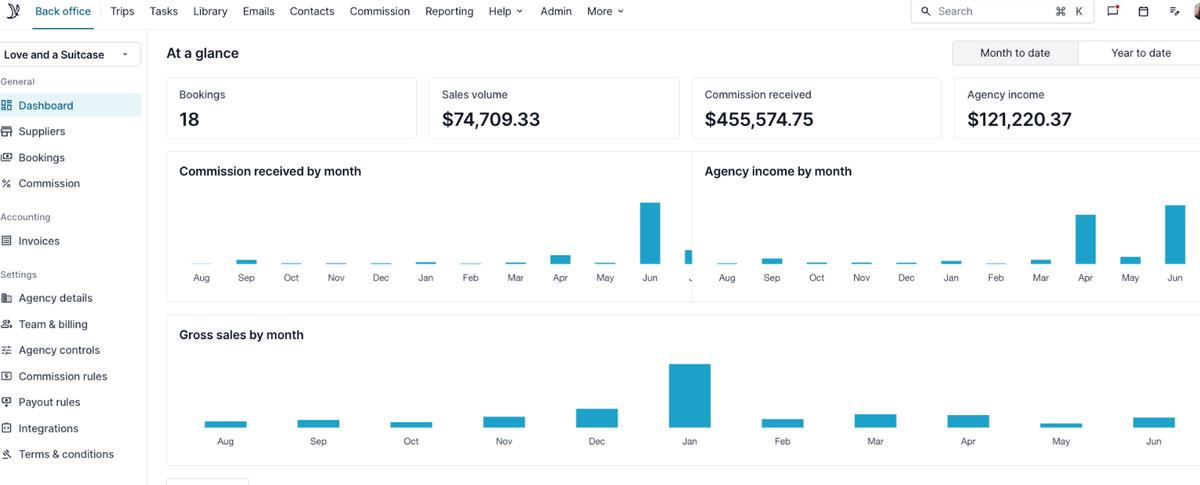
Agency admin tools now live in one place: Back Office. Your dashboard, supplier management, commissions, bookings, and settings are all there. Trips, tasks, and your library haven't moved, so nothing changes about your day-to-day agent experience.
The payoff is a cleaner split between the 2 hats many of you wear. When you're submitting bookings, you're in the agent experience. When you're running the agency, everything you need is in Back Office. Nav changes take a minute to get used to, but everything should be much easier to find. Learn more.
Require documentation on commission types
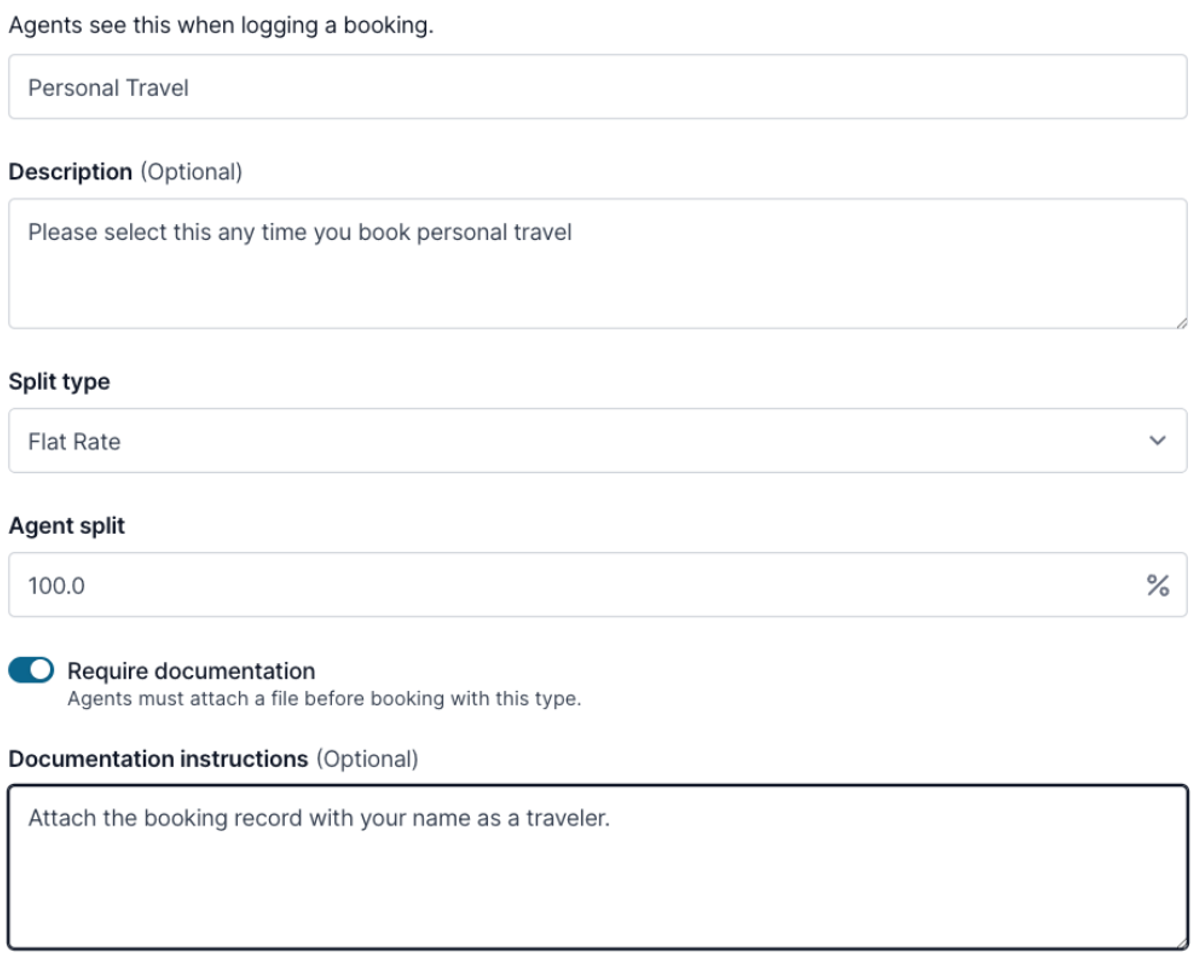
If your process requires proof, Tern can now enforce it. Agency owners can require documentation on a commission type, and agents won't be able to submit that booking without attaching it.
The most common use case is personal travel. Require agents to attach the booking record with their name as the traveler, and they'll see the requirement up front when marking the booking as booked. When you review the booking on the agency side, the documentation is right there with it.
This also connects to AI reconciliation. Any line item tied to a booking with a documentation requirement gets flagged as needs review, even if it auto-matched, so you can check the documentation before approving the rate. Learn more.
A note for host agencies: personal travel is now a system status
Personal travel is now a system commission type. For most of you, nothing changes beyond a small label. For hosts, your personal travel type now maps to the personal travel of every agency under you, which makes multi-layer payouts easier to run. It doesn't change your rates or commission types in any way.
Quality-of-life improvements
A big batch of smaller wins this week:
- Flexible date inputs. Type dates naturally and Tern formats them for you. No more hunting for dashes.
- Age at time of travel. Traveler ages now show on trip details, calculated for the trip's start date. Birthdays and anniversaries also appear in the trip's upcoming activity.
- Terms and conditions on the pricing tab. Supplier refund policies and terms are now visible to travelers on trip pricing, and they stay accessible after credit card authorization.
- Download original photos. Grab any photo from your library exactly as it was uploaded, full resolution included.
- Bulk workflow counts. When you bulk-apply a workflow, Tern now shows how many records it will touch before you commit. Narrow it down by tag if the number surprises you.
- AI reconciliation improvements. Better parsing and matching for Allianz commission statements, plus continued improvements for host payout statements. Keep sending examples of statements that don't parse cleanly.
- AI Chat tips. AI Chat now surfaces tips pointing you to newly available tools, like itinerary template access, activity template access, and form lookups, so you don't miss capabilities added since you last tried something.
That's the week. A lot of these came straight from your requests, so keep the feedback coming.