
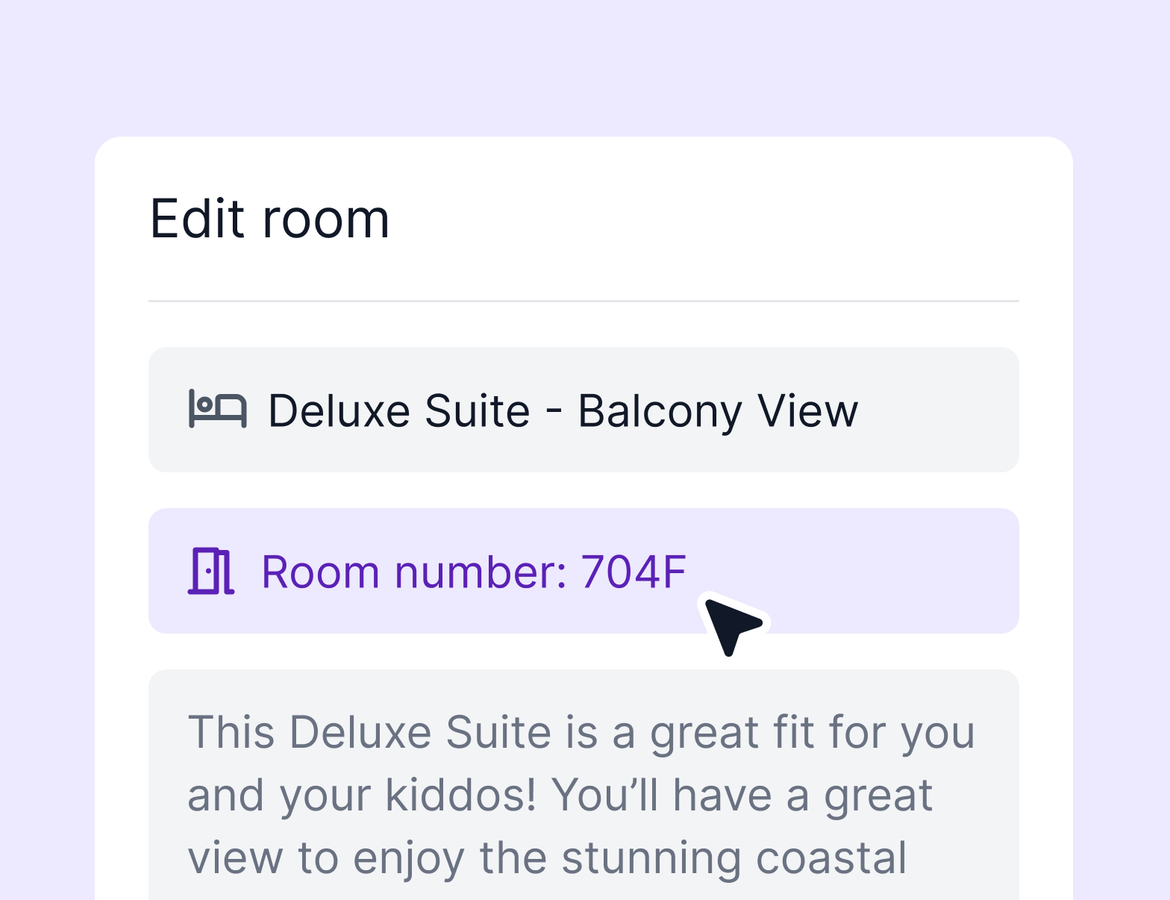
One of your longest-standing requests ships this week. Cabin and room numbers now have a dedicated field, right where you and your clients need them. Agency owners also get a smarter way to handle commission rate changes, and clients get a clearer path when they're logged in with the wrong email. Plus a big stack of quality of life improvements. Here's what's new.
A dedicated field for cabin and room numbers
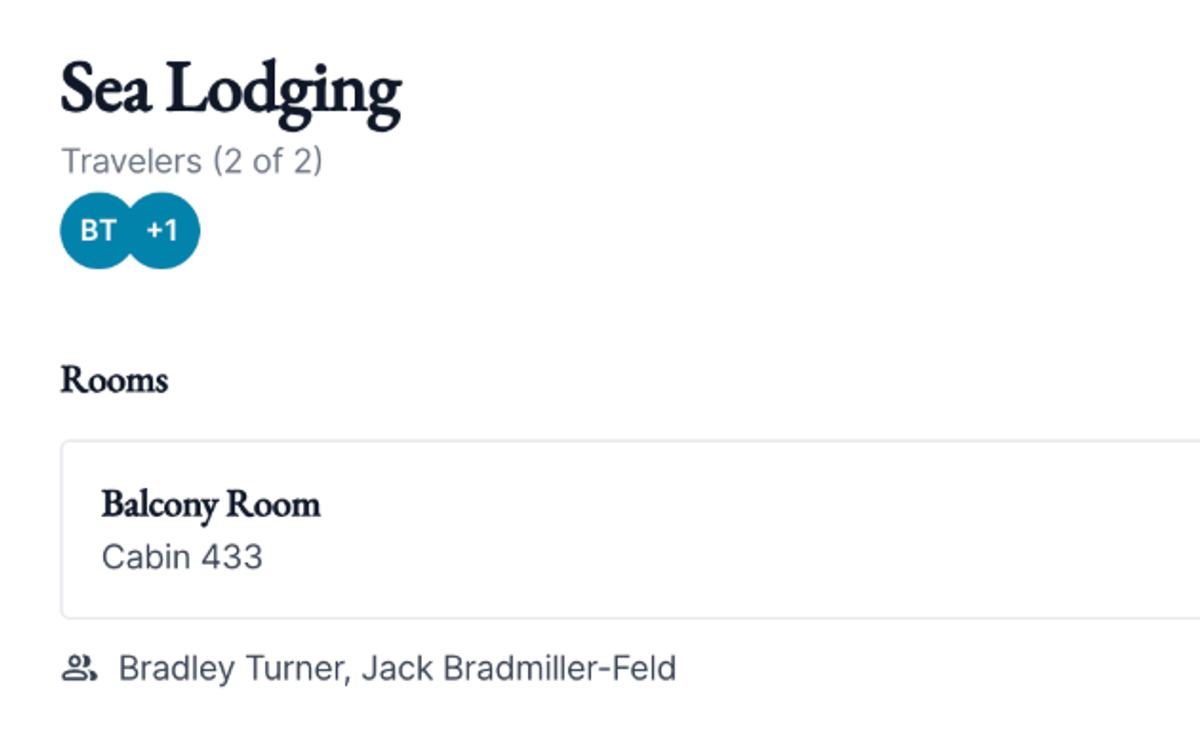
Anyone who has sailed knows the first question on embarkation day: what's my cabin number? Now it has a permanent home. When you add a cabin to a cruise or a room to any lodging, you'll see a dedicated cabin/room number field. Fill it in, and it shows up front and center on the client-facing itinerary preview.
Push commission rate changes to unpaid payouts
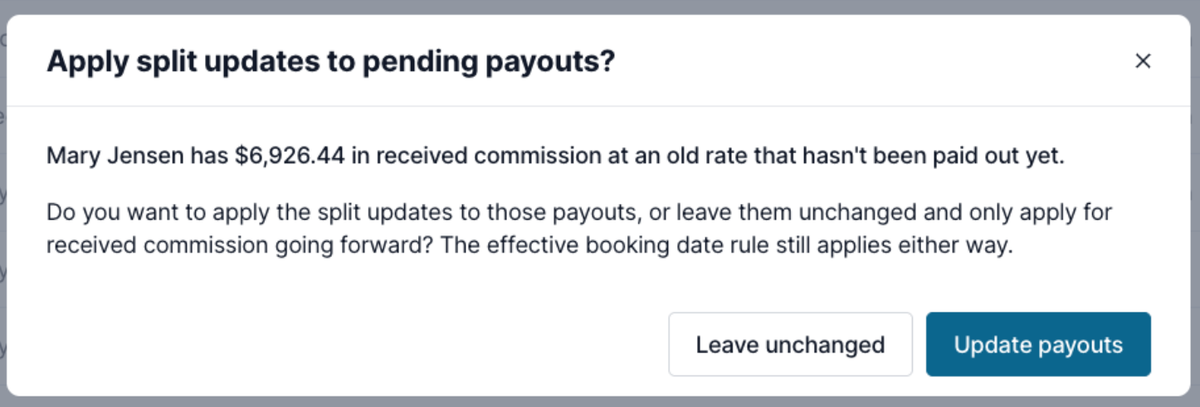
Now when you change a commission rate or update a mentor-mentee split, you'll see the option to apply the new rate to any received commission that hasn't been paid out yet.
Here's how it works. Say an advisor moves from a 90% to a 95% split with a new effective date. Some of their commission may already be received but on hold, like commission from a supplier you don't pay out until after travel. Previously, you'd have to review and update those manually. Now you can push the new rate to those pending payouts in one step, including line items sitting on unapproved statements.
A few things to know. This is optional, so if your process is to leave older commission at the old rate, nothing changes. It never touches commission that's already been paid out. And it works the same way for mentor configurations.
Clients can see which email they're logged in with
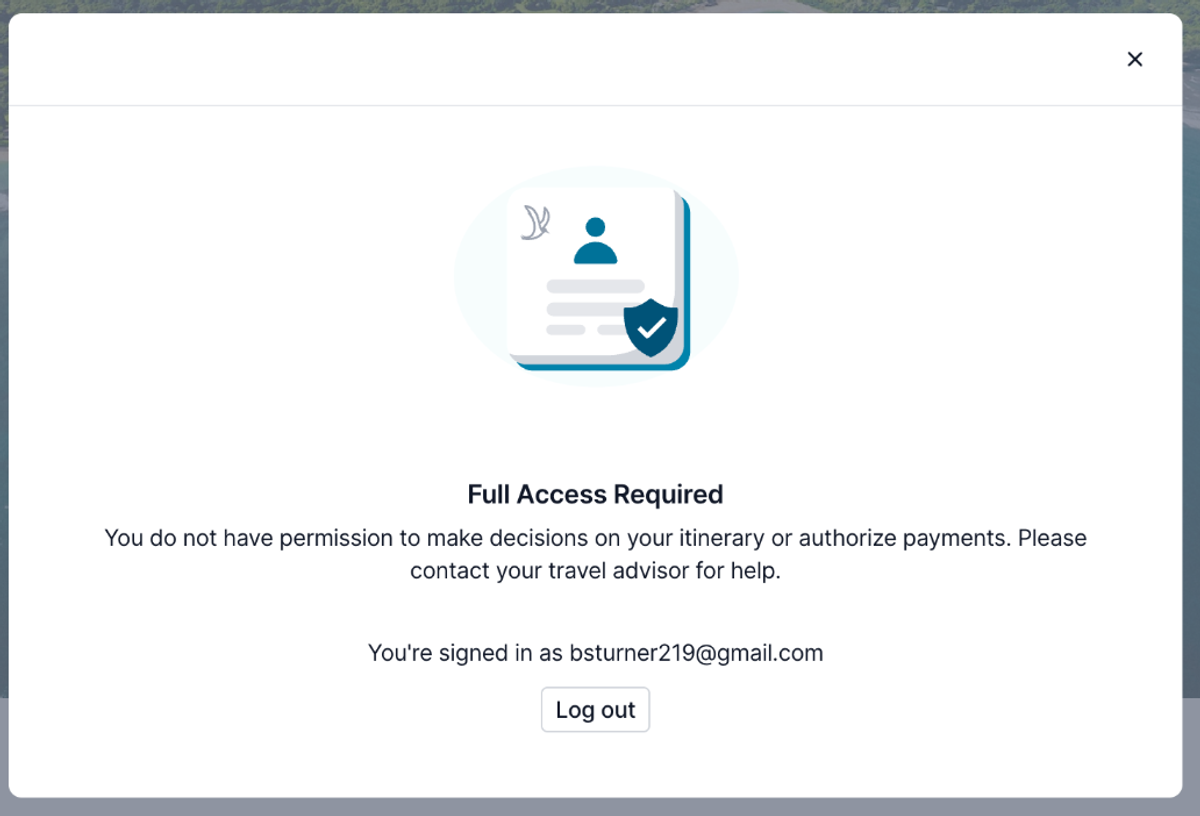
Sometimes a client has 2 email addresses, and the one they're logged in with isn't the one you used to share the trip. When a client tries to take an important action, like authorizing a payment, we verify they have the right access. Now the full access required modal shows them exactly which email they're logged in as.
If they spot the mismatch, they can log out and back in with the correct address in seconds. Fewer confused emails to you, faster authorizations for everyone.
Quality of life improvements
A big stack this week:
- Cancellation policies without CC auth. Terms and conditions and cancellation policies are now available even if you're not using Tern to manage credit card authorizations. Add them to any supplier and clients will see them on the pricing tab of the trip.
- Legal first name. The contact first name field has been renamed to legal first name, including on client-facing forms. No more manually adding a description to explain which name you need. Preferred name remains available as an optional field.
- Address descriptions. Addresses now have a description field, so you can distinguish between home, billing, and other address types on a contact.
- Flight details through AI Chat. Advisors can now create and update flight activities through AI Chat with full flight details, including airline, flight number, airports, and times. If flights haven't worked well for you in chat before, give it another try, and use the downvote button to tell us if anything misses.
- New agency permissions. Agency admins can now control whether other admins can manage agency-level terms and conditions, agency controls, commission rules, and payout rules. Turn a permission off and that person sees a read-only version instead.
- Mark Previously Paid fix. The Mark Previously Paid button now shows up on bookings with received commission that came from a supplier statement, so you can backdate historical payouts there too. Thanks to the agency partner who flagged it.
- Search sub-agents from the agencies tab. Host agencies can now search for individual agents directly from the agencies tab in team and billing, making it faster to find an advisor's sub-agency.
That's it for this week. As always, thank you for the feedback that shapes what we build. We're skipping next week for our big agency webinar, and we'll be back the following week with another update.