
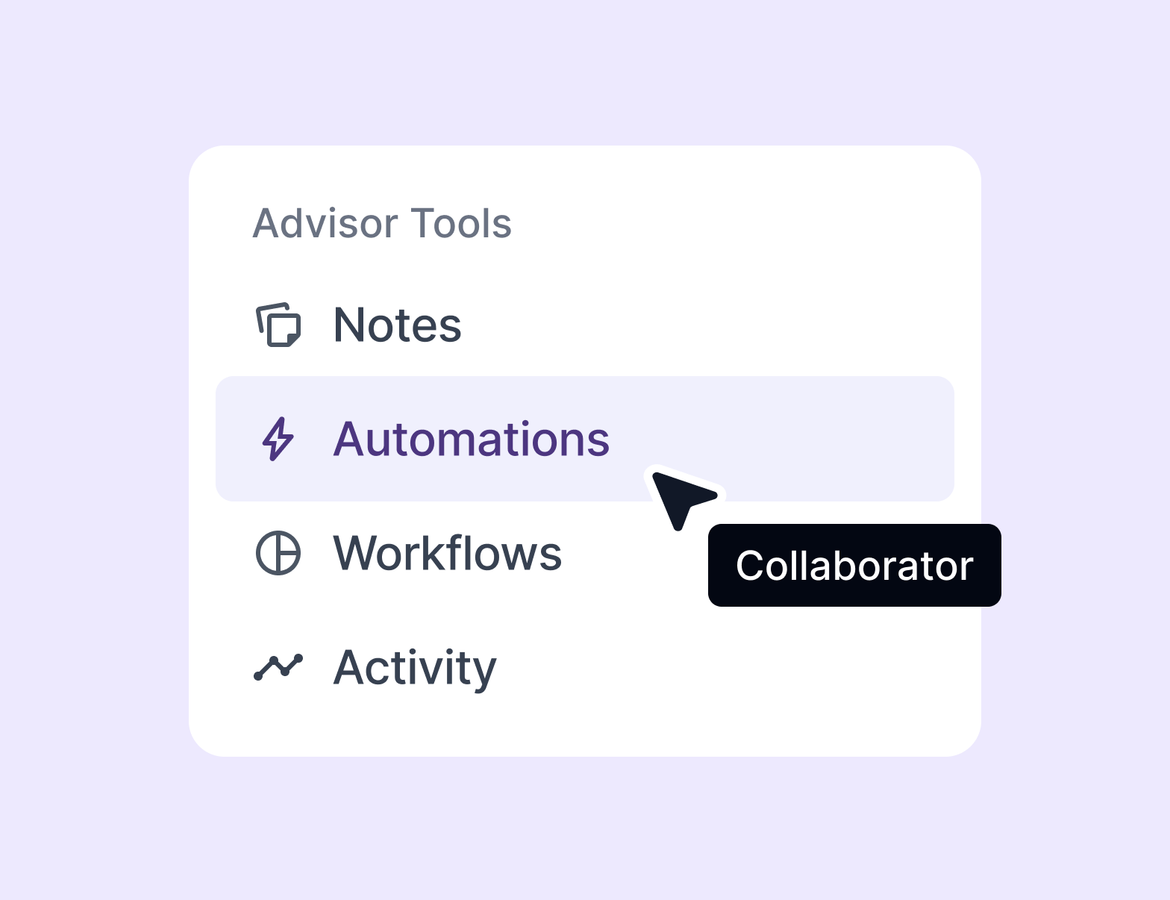
A trip rarely has one person behind it. There is the advisor who owns it, the teammate covering while she is on a site visit, the assistant chasing documents, the lead checking in the week before departure. On a shared trip they could already handle notes, tasks, documents, form responses, and insurance. Workflows and automations were the one thing still only available to the owner.
That changes this week. We also added guardrails so bookings created through integrations never reach your agency incomplete, and a way to clean up your contact list without losing any history.
Workflows and automations for collaborators
Collaborators with edit access can now view, create, edit, delete, and apply automations and workflows on shared trips and contacts. This was the last trip feature restricted to the trip owner, and closing that gap means the person actually working the trip today can keep it moving.
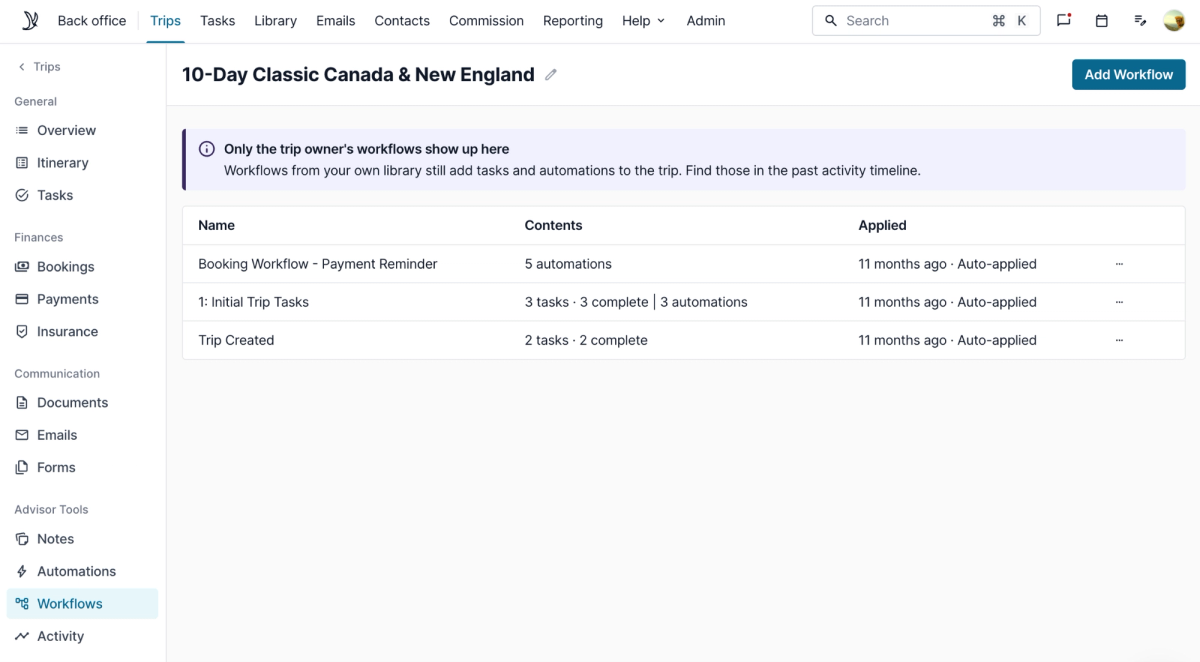
Open a trip in Shared with me and you will see the automations and workflows tabs. Apply a workflow, edit the automations that come with it, delete the ones you do not need, or add your own. The workflows tab shows the workflows the trip owner applied, and you can remove those too. Everything lands in the trip activity log, so the owner can see what changed and when.
Ownership still sits where it should. Emails send from the trip owner. Tasks route to the trip owner by default, though you can reassign them to a collaborator. AI agents run as the trip owner, which means the owner sees the chat open with the prompt included. And only the trip owner can manage forms, which the interface now states plainly.
The trip stays current, the reminders go out on time, and travelers hear from you when they should. Nobody waits on one person to press the button.
Booking requirements now apply to integration bookings
If your agency or host sets booking requirements, or requires documentation for a commission type or a standard commission split, those rules now hold for bookings created through Tern integrations.
Tern still creates the booking with the supplier and processes the payment as usual. What changes is the handoff. The booking will not be submitted to your agency until every requirement is met. Open the booking and you will see exactly what is missing and a prompt to resolve it before you submit.
Our insurance partners do not return an expected commission amount, so if your agency requires one, the booking comes back paid but not submitted. Add the expected commission, the issues clear, and you can submit the booking to your agency and mark it as booked. If the accreditation is wrong, you can change it instead, including switching the booking to independent.
This keeps incomplete bookings out of your agency and stops one-way syncs from carrying bad data downstream.

Archive contacts
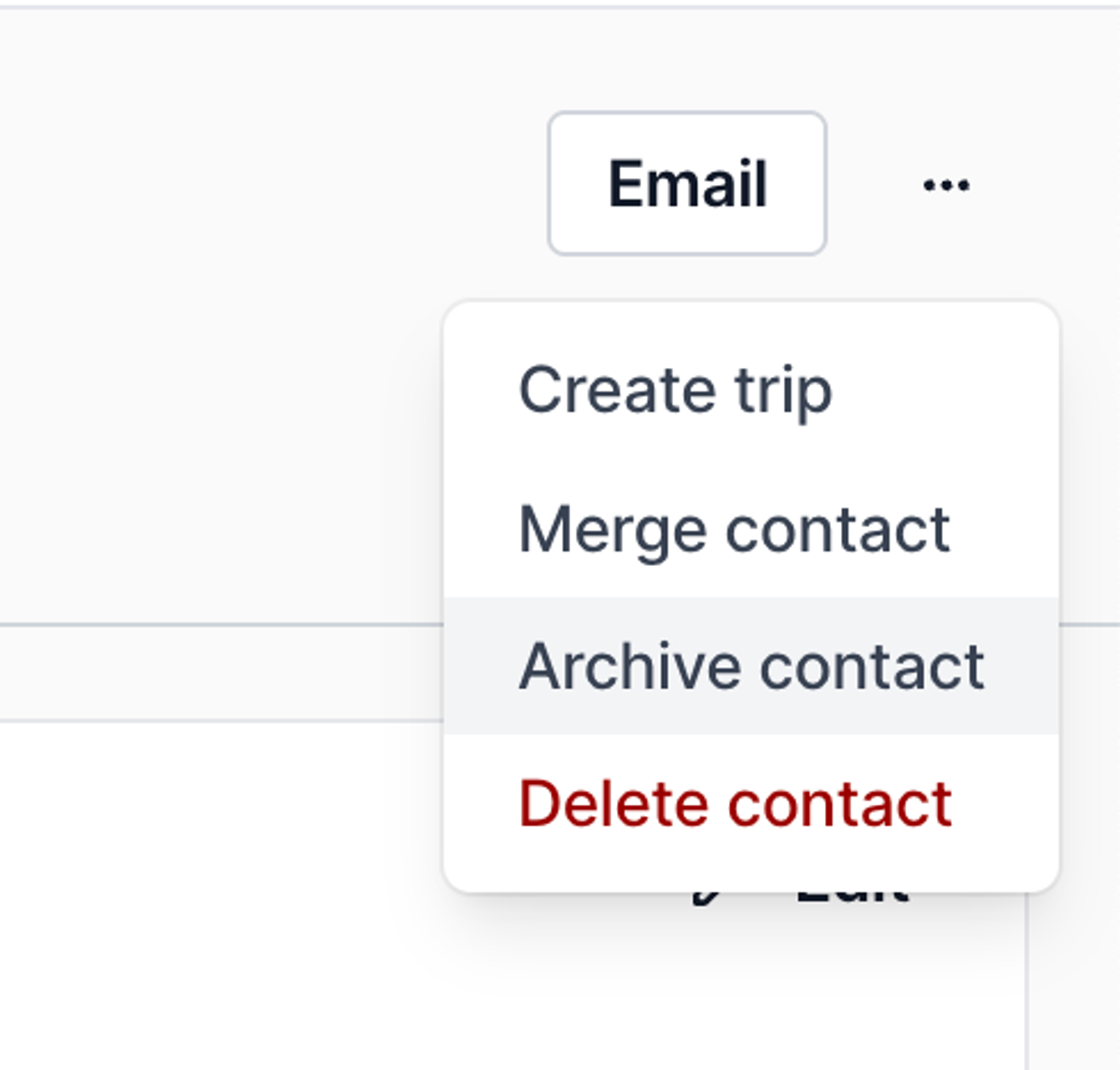
You can now archive a contact you are no longer working with, and unarchive them any time from the three dot menu.
Archiving keeps all of their data. It just takes them out of the way. Archived contacts disappear from your contact list, global search, autocomplete, and group trip messaging. Any active automations on the contact pause automatically. The contact also stops syncing to any consortium integration you have set up, so you are not pushing records you no longer need.
Archived contacts carry a badge so you always know what you are looking at, and the contact list has an Include archived toggle when you want to see them again.
Quality of life
- New email button on the emails tab, so you can start an email without leaving the view.
- New in-law relationship type on contacts.
- Addresses autofill from your business settings address and your business payment billing address when authorizing payments, so clients are not typing an address from scratch.
- Agency admins can now see unclaimed bookings and submit claims from the agent view, which gives a realistic picture of the advisor experience and lets admins submit claims themselves.
- AI reconciliation supports larger files, matches supplier names more reliably, and auto-matches child suppliers like FunJet under ALGV.