
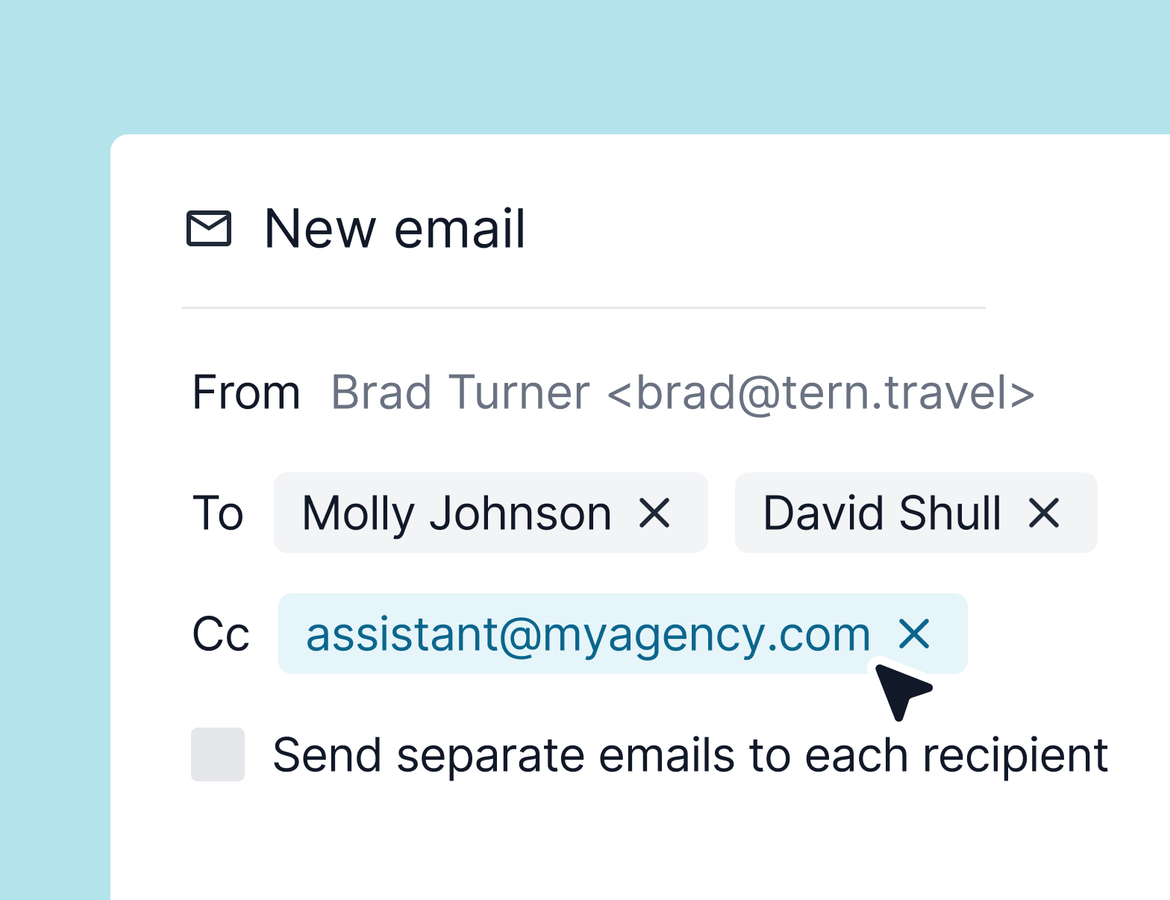
Every advisor who books through ALG Vacations knows the second job that starts after the booking. Retyping flights, lodging, transfers, and payment details into the trip your client actually sees. This week, that job disappears. The ALG Vacations booking import is live for all users, and this week also brings smarter email sending, room-by-room media, and a default cover photo for every new trip.
ALG Vacations booking import
Connect your ALG Vacations account from the integrations tab in your settings. Once you share your agency VAX number and complete the data sharing agreement, you can import any reservation number into a new trip or into a trip you've already shared with clients.
The import brings over the whole reservation. Flights, lodging, activities, transfers, travel protection, and informational blueprints land directly on your itinerary, images included. In bookings, Tern creates a package with the total cost, deposit and final balance amounts, suppliers, payment status, confirmation number, and terms and conditions. Commission comes over too. If there's an outstanding balance, the booking is ready for payment authorization so you can send it straight to your travelers.
Chat can do the work as well. Ask chat to update a reservation, or start a brand new chat and ask it to create a trip from an ALGV reservation number.
One note. The import doesn't add travelers to the trip, so you'll add those yourself before sending emails or sharing the itinerary.
Want a deeper look? We're hosting a webinar with the ALGV team next week. Find it on the events page of the Tern website.
Email anyone on the trip
This is rolling out starting Thursday August 13th so it might not be available in your account just yet.
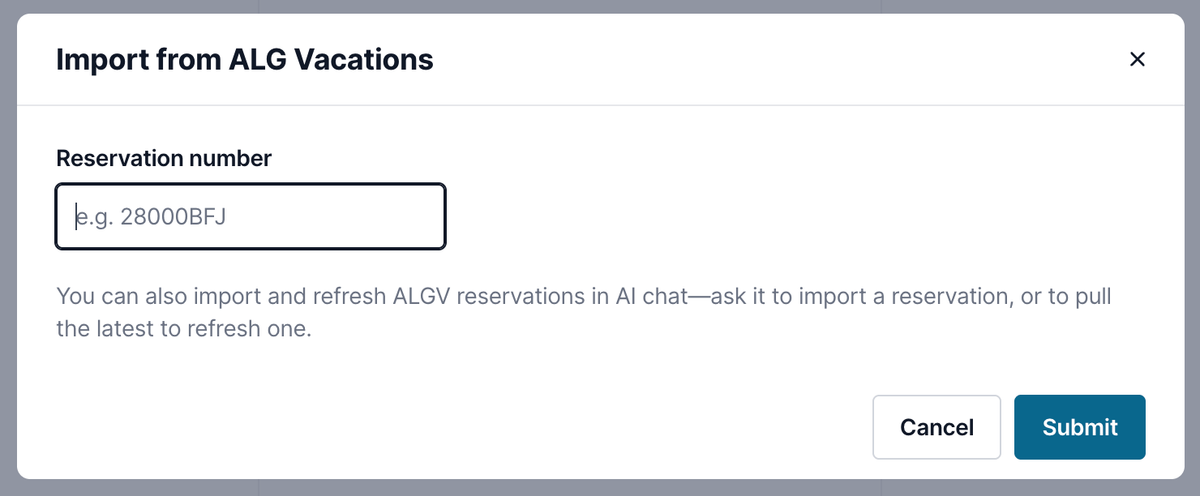
Email recipients are no longer limited to the travelers on a trip. You can now select any contact you own or that's shared with you, or type an email address that isn't tied to a contact yet.
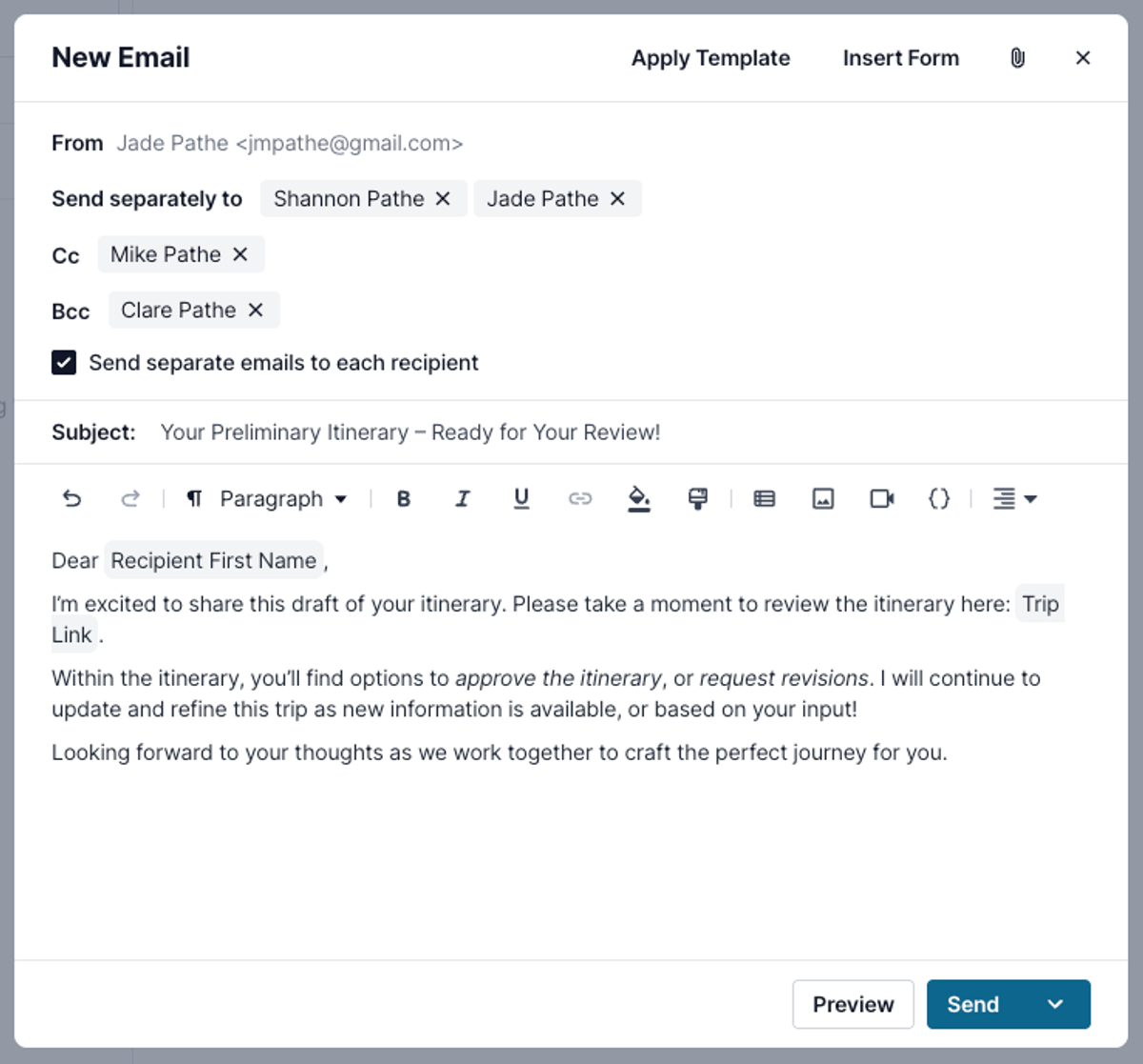
Emails also get CC and BCC fields, so the person making payments on a trip can stay in the loop without sitting in the to field. And when you're sending to multiple recipients, a new toggle lets you choose 1 thread with everyone or separate threads for each recipient.
Room media
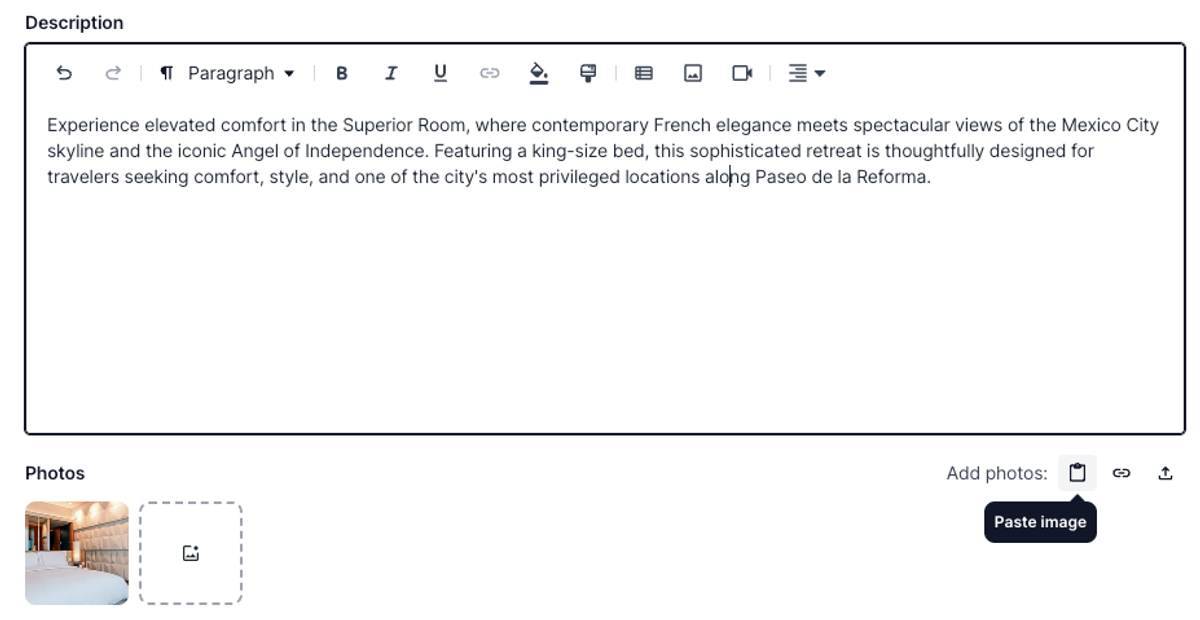
Rooms on your lodging activities can now carry their own media. Paste an image, import it from a URL, or upload it directly, and each room shows up with its own gallery alongside the main lodging photos. Travelers see it on the web and on the mobile app.
If you're building cruises from the cruise library, this gets even better. Add a cabin to a lodging activity and Tern automatically pulls in the room media associated with that cabin, so every stateroom is represented exactly as it should be.
Default itinerary cover photos
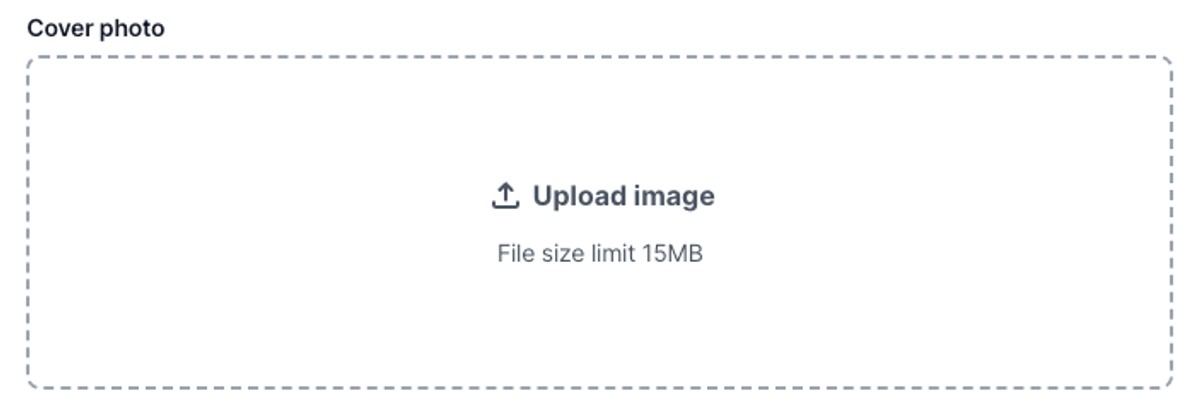
Set a default cover photo in your branding settings and every new trip starts with it. No more defaulting to the same stock photo that caused so much annoyance. Pick something that represents your brand and works for every trip, and you can still change the cover photo on any individual trip.
Trip type filtering for workflow auto-apply
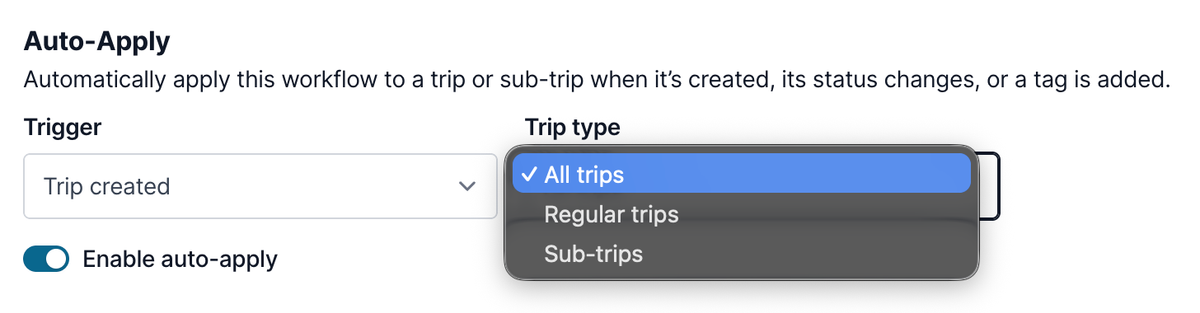
Workflow auto-apply settings now filter by trip type. If your trip created workflow sends a confirmation email that doesn't belong on group trips, limit it to regular trips and build a separate flow for groups. This one should solve a lot of pain points, so take a minute to adjust your existing workflows.
Quality of life
- Credit card authorization confirmation PDFs now include billing details and the IP address the authorization came from.
- Saving a library item keeps you where you were instead of sending you back to the main page.
- Addresses in the trip traveler section are individually copyable. Click to copy a single field or double click to copy the full address, handy when you're submitting bookings.
- Group trip sync now lets you choose whether renamed activity titles are overwritten when travelers opt in to sync, so your custom titles only reset if you want them to.